‘The Elder Scrolls V: Skyrim’ Mistakes You’ll Never Be Able to Unsee

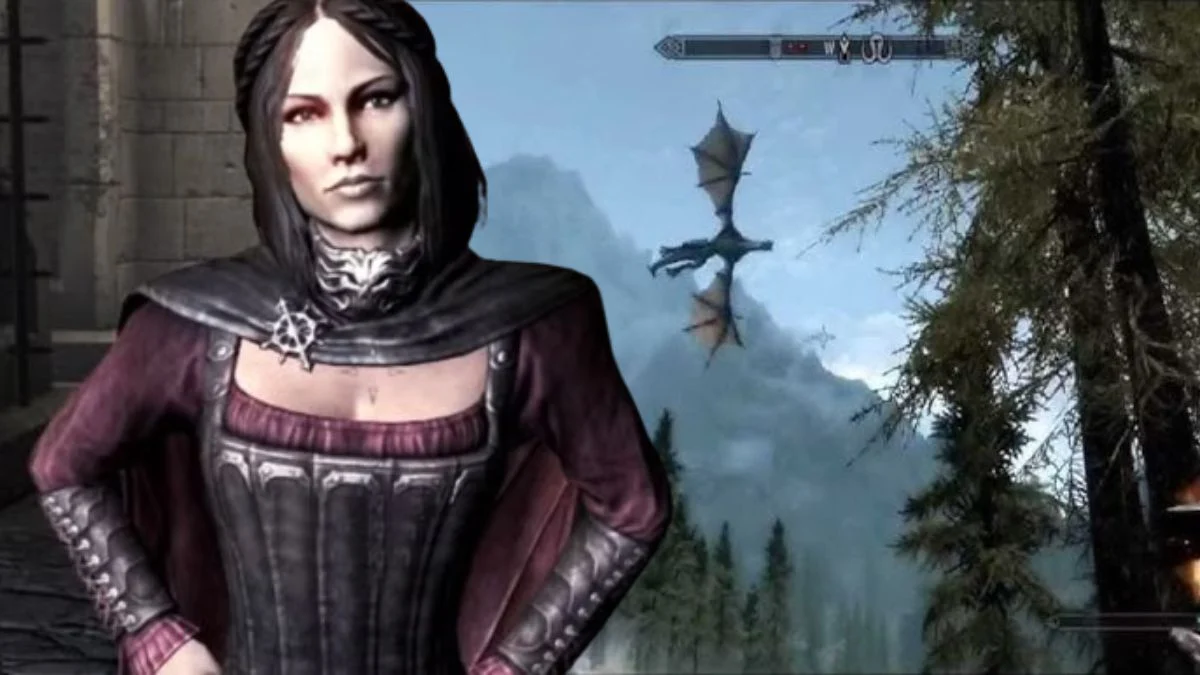

There are open world quirks that fade into the background once you are busy slaying dragons and shouting bandits off cliffs. Then there are the ones that jump out and stick with you every time you pick up the controller. ‘The Elder Scrolls V: Skyrim’ is legendary for its scale and freedom, and it is just as famous for a handful of blunders that players still talk about years later.
This list rounds up specific slipups you can spot or trigger during normal play. For each one you will find what it looks like in game and the practical reason it happens, plus the conditions that tend to set it off. If you have spent time in the tundra you will probably recognize a few of these moments the instant they start.
Backwards Flying Dragons
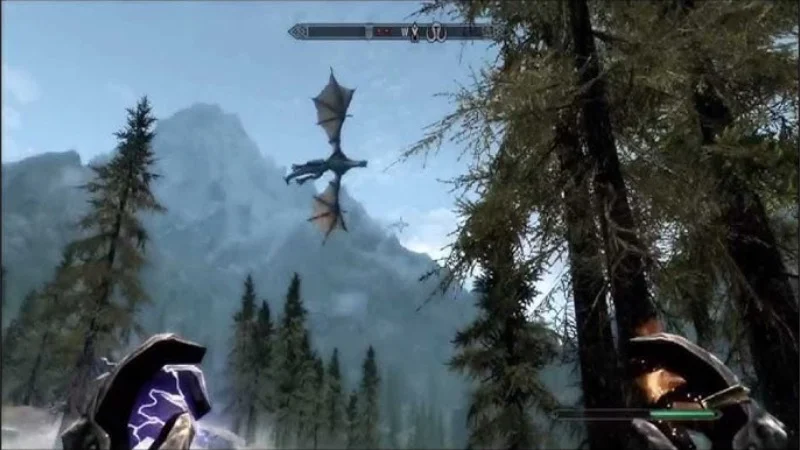
Early versions could spawn dragons that turned tail and flew in reverse while still breathing fire and frost. The behavior usually appeared after certain updates touched animation data, leading the game to call a mirrored flight set that made the model slide backward through the sky while attack routines carried on as usual.
Players reported the effect most often after installing patches on existing saves. It persisted until later updates corrected the animation flags at load. If you encounter it on an unpatched copy, saving and reloading sometimes resets the creature’s package, though the underlying issue in those builds remains tied to mismatched behavior files.
Giants That Launch You Into Orbit
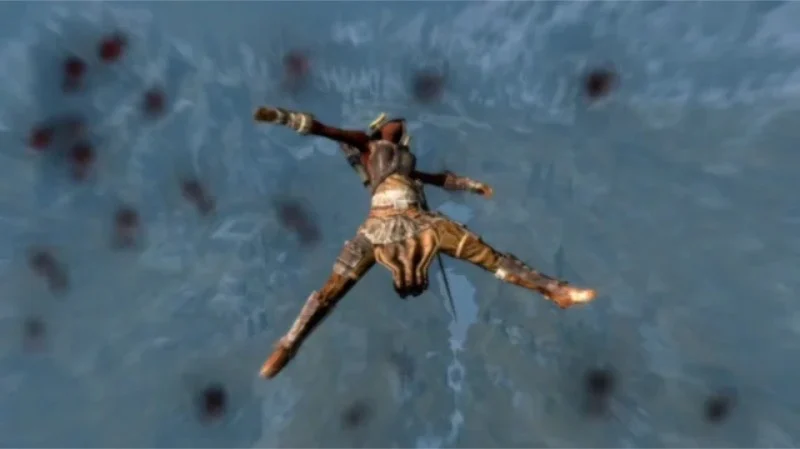
When a giant’s club connects, the knockback can catapult you high into the clouds. The dramatic launch comes from physics values applied to the giant’s power attacks that multiply with ragdoll state, creating an impulse strong enough to fling the player character far beyond intended ranges.
This effect is easiest to reproduce at lower levels when your character has less mass and resistance. Wearing the Become Ethereal shout or using Slow Time can reduce the risk, but the core of the spectacle is a physics configuration that exaggerates vertical force, so it can still happen even with high armor and health.
The Bucket On The Head Trick
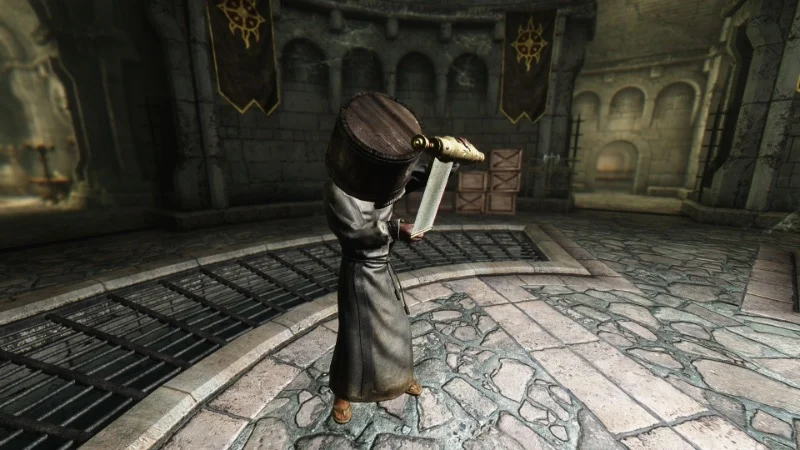
Placing a bucket or similar container over a merchant’s head blocks their line of sight. With vision obstructed, the detection system treats many thefts as unseen, letting you pick up items in the shop without raising a bounty while the container remains in place.
The trick works because the game checks vision cones against occlusion and the object you drop counts as a barrier. Heavier containers and careful placement over the head give more reliable coverage. Once the container falls or the NPC moves, detection returns to normal and any stolen items in your inventory can still be flagged during guard checks.
Plates That Let You Clip Through Walls
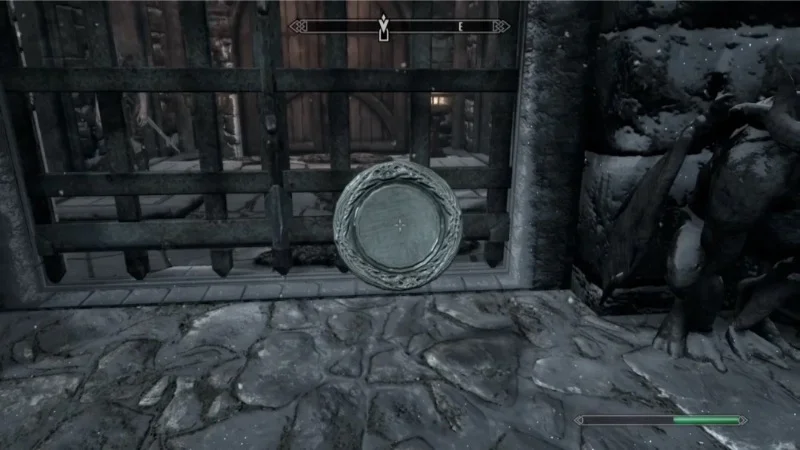
Holding a large plate in front of your character and sprinting into certain walls can push you through solid geometry. The model collides first, then the movement input moves your character into the plate, and the combined collision can nudge both through seams where navmesh and collision meshes do not perfectly align.
Players use this to enter locked areas or skip puzzles. The success rate depends on plate size, angle, and the shape of the wall. Saving before an attempt is important because falling through the world or getting stuck outside playable space can require a reload to recover.
The Fortify Restoration Loop
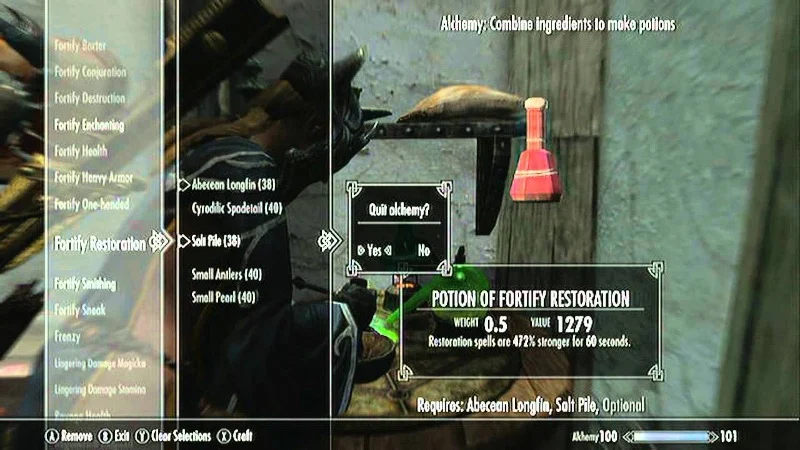
Equipping Fortify Alchemy gear and cycling Fortify Restoration potions can escalate the magnitude of both effects. Each potion boosts the strength of the worn gear, which then creates a stronger potion on the next craft. Repeating the loop can produce potions or enchantments with extreme values that trivialize combat and crafting.
The loop exists because the game recalculates active gear bonuses after a potion applies and updates the base for the next calculation. Breaking the loop requires removing the gear and allowing effects to expire. Later versions reduce the escalation window, but any build that recalculates in this order remains vulnerable to runaway stat stacking.
Essential NPCs That Refuse To Die
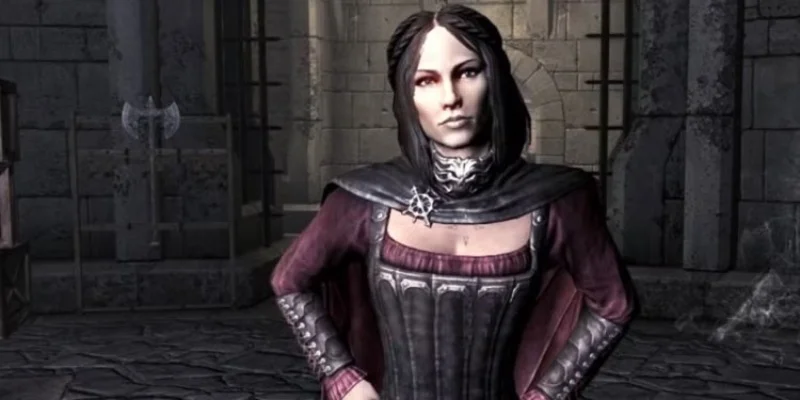
Characters flagged as essential drop to one knee when their health is depleted and then recover shortly after. In crowded fights this can drag encounters out because damage and crowd control keep resetting on these targets while other enemies keep spawning or repositioning around them.
The behavior is by design to preserve quest lines that depend on those characters. It becomes a noticeable mistake when radiant events place essential actors in random battles or when friendly fire pulls them into combat loops. Checking targets in the crosshair will show the essential tag, and avoiding area damage near them keeps fights from bogging down.
The Markarth Jail Loop After The Forsworn Conspiracy
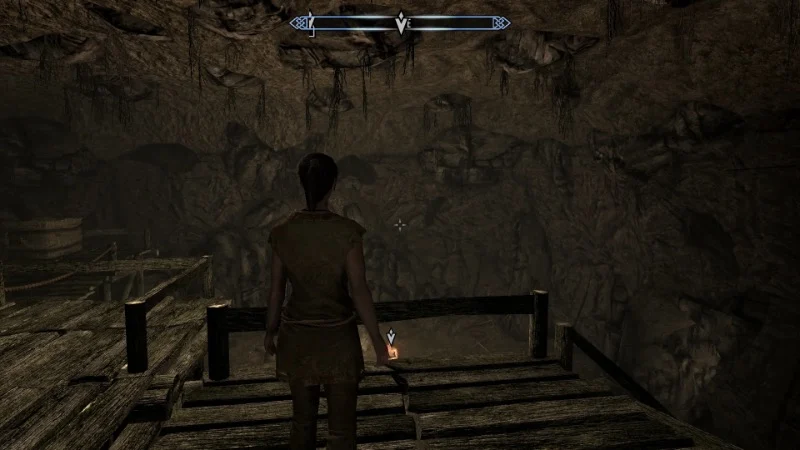
Completing the incident in Markarth can lead to guards repeatedly arresting you even after serving time or paying fines. Dialogue can reset to the same prompt and deliver you straight back to Cidhna Mine, effectively trapping you in a cycle that blocks normal city access.
This loop begins when quest stages and guard dialogue conditions fall out of sync. Finishing the related quest lines in a specific order prevents it, and later patches tidy several of the stage checks. On older builds a precise set of dialogue choices or a console command on PC is needed to move the quest to the correct stage before guards will behave normally.
Lip Sync That Falls Behind The Dialogue
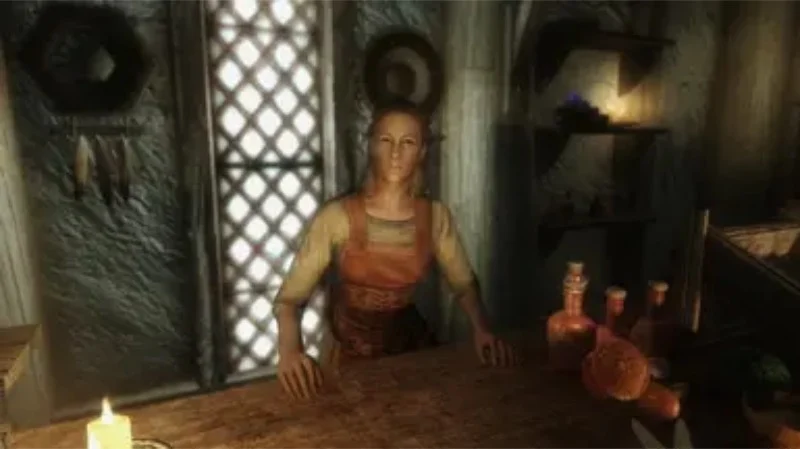
At times mouth movements drift out of time with spoken lines and continue late into conversations. The most common triggers are extended play sessions or crowded areas with many audio events, which can desynchronize facial animations from their audio markers.
This happens because lip files drive mouth shapes while audio streams play from separate timing. Once the audio queue slips, the face rig cannot catch up until the cell reloads or the cache clears. Entering a new interior or restarting the game resyncs the data and puts the timing back on track.
Saves That Grow And Slow The Game
Lengthy playthroughs can produce save files that increase in size and make performance drop, especially on older hardware. Long sessions with many dropped items, spawned actors, and radiant quests raise the amount of data stored, which lengthens save and load times and can add stutter during autosaves.
Periodic clean saves and trimming carried items reduce overhead. Storing crafted goods in secure containers and letting cleared cells reset lowers the object count that must be tracked. On very old console versions, keeping a limited number of active saves prevents storage fragmentation that can worsen the slowdown.
Killcams That Do Not Match The Hit
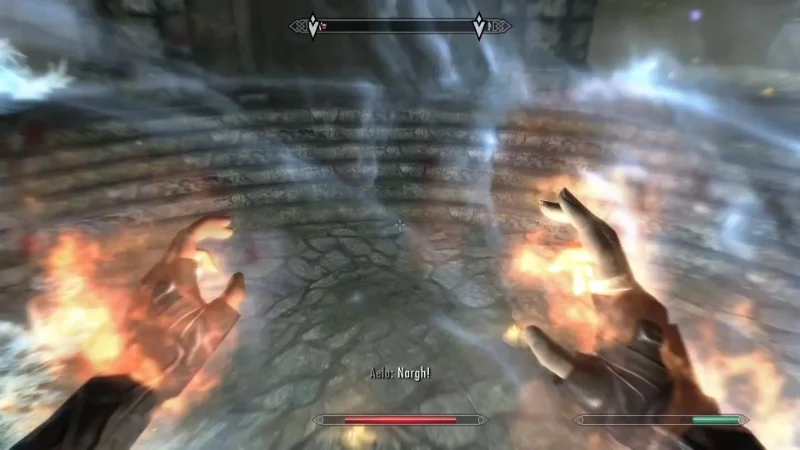
Ranged or melee killcams sometimes show attacks that miss while the target still falls. The cinematic triggers on a kill event and then plays a prebuilt camera and animation package that is not always aligned with the actual physics and pathing in the moment.
This desync shows up most when elevation or slopes are involved and the camera snaps to a route the arrow or blade did not take. Turning off cinematic killcams in the settings removes the mismatch, but the underlying issue is the separation between the lethal hit detection and the replay that follows it.
Share the mistakes you have bumped into in ‘The Elder Scrolls V: Skyrim’ in the comments so everyone can compare notes and add more to the list.