‘Pokémon Scarlet & Violet’ Mistakes You’ll Never Be Able to Unsee



Open-world freedom brought plenty of firsts to Paldea, but it also surfaced a bunch of rough edges you can’t ignore once you’ve spotted them. From performance hiccups to UI quirks, many of these are the kinds of issues you notice in everyday play—exploring towns, tackling Tera Raids, or just hunting shinies. None of them stop you from finishing the story, but they do add up over time and are easy to point out once you know what to look for. Here are the ten most persistent goofs, glitches, and oversights players run into again and again.
Distant NPCs Animating at a Handful of Frames
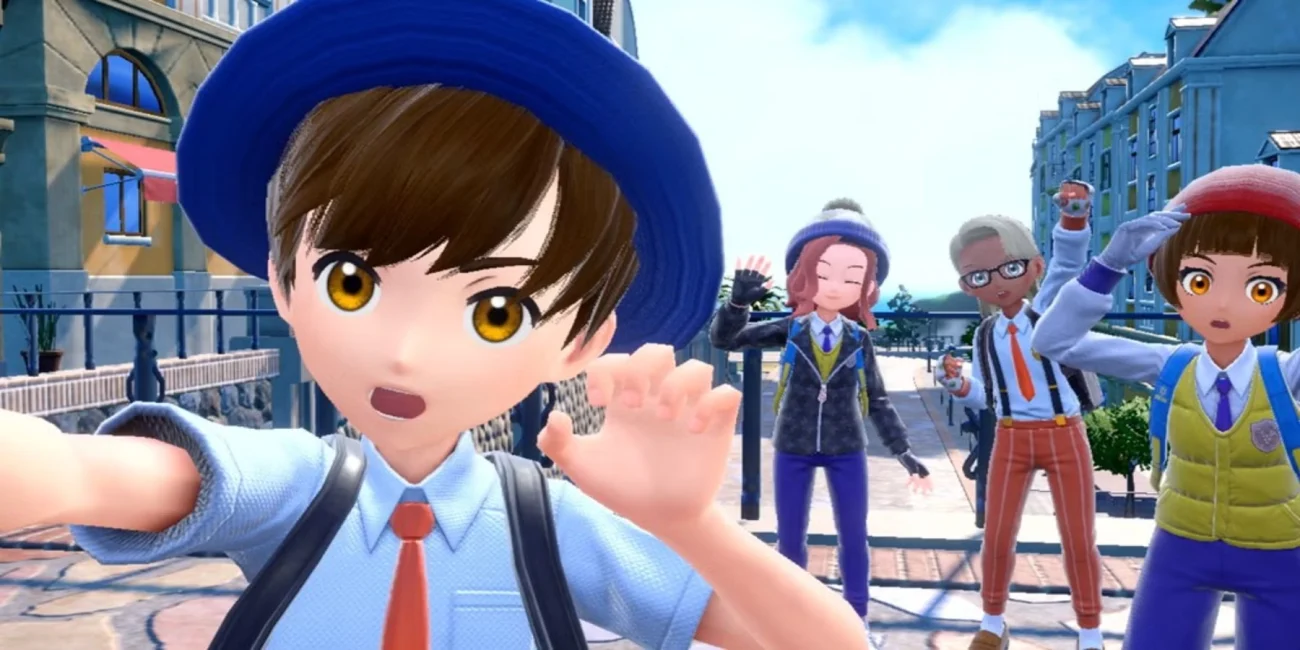
To keep performance manageable in crowded spots like Mesagoza’s plazas and stairways, distant characters switch to ultra-low animation rates. You’ll see people walking with stuttery, mannequin-like motion until you get closer and their frame rate snaps up. This is a level-of-detail technique working a little too aggressively, so it’s very visible on windmills, signs, and cycling NPCs. The switch can happen right in front of you, making crowds look jerky until you’re near them.
Overworld Frame Rate Dips in Busy or Vertical Areas
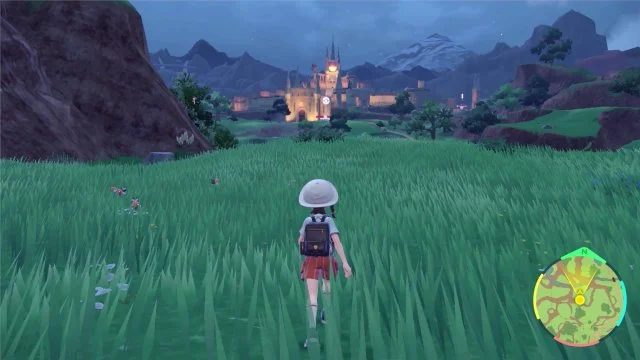
Large open spaces with lots of geometry—cities, market streets, waterfalls, and steep canyons—can push the frame rate down noticeably. Weather, crowds, and multiple Pokémon spawns on-screen increase the load, which is most obvious while sprinting or gliding. Motion feels uneven during long camera pans, and inputs like jumps or glides can feel less responsive at the lowest moments. These slowdowns are intermittent, but they recur in the same hotspots across the map.
Camera and Model Clipping During Tera Raids
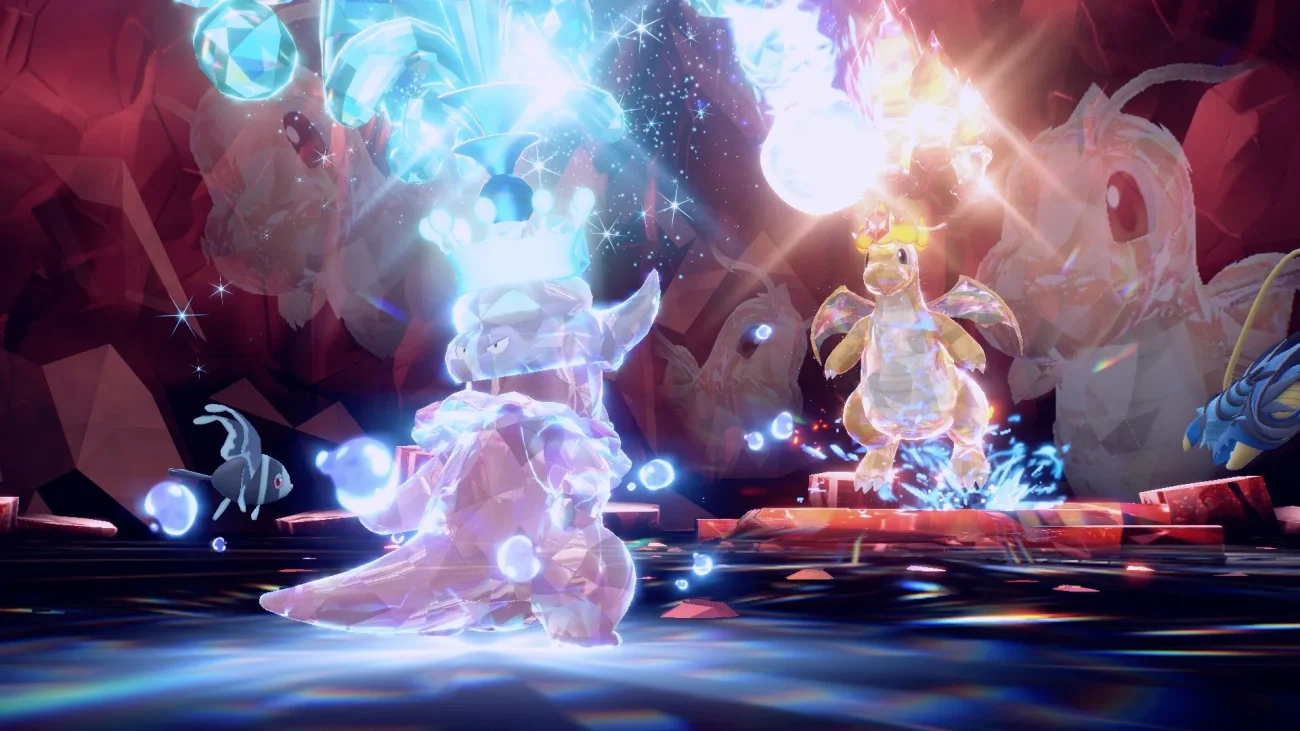
In some Tera Raids, the battle camera swings into oversized Pokémon or terrain, letting models clip through the lens. This can obscure move impact frames, status indicators, and the boss’s shield visuals. Certain large Terastallized forms make the issue more frequent, as particle effects fill the view and intersect with the camera. The effect is purely visual, but it makes already-hectic raids harder to read.
HP “Rubberbanding” and Desync-Like Moments in Raids
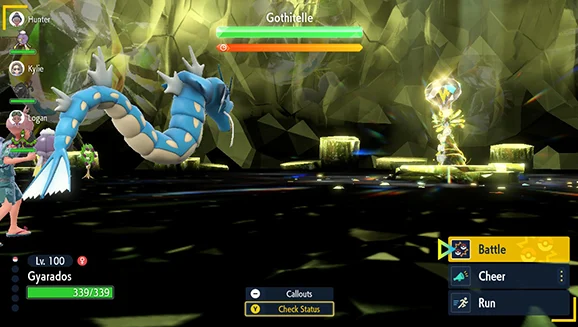
During Tera Raids, the boss’s HP bar can leap back up after a big hit because the game applies damage, shield phases, and time penalties in chunks. The UI doesn’t always show these calculations immediately, leading to the impression that health is “healing” or undoing your attack. Network latency and client-side timing accentuate the mismatch between what you see and the server’s state. It’s not true healing—just staggered updates that make progress hard to track.
Co-Op World Desync With Ride Pokémon
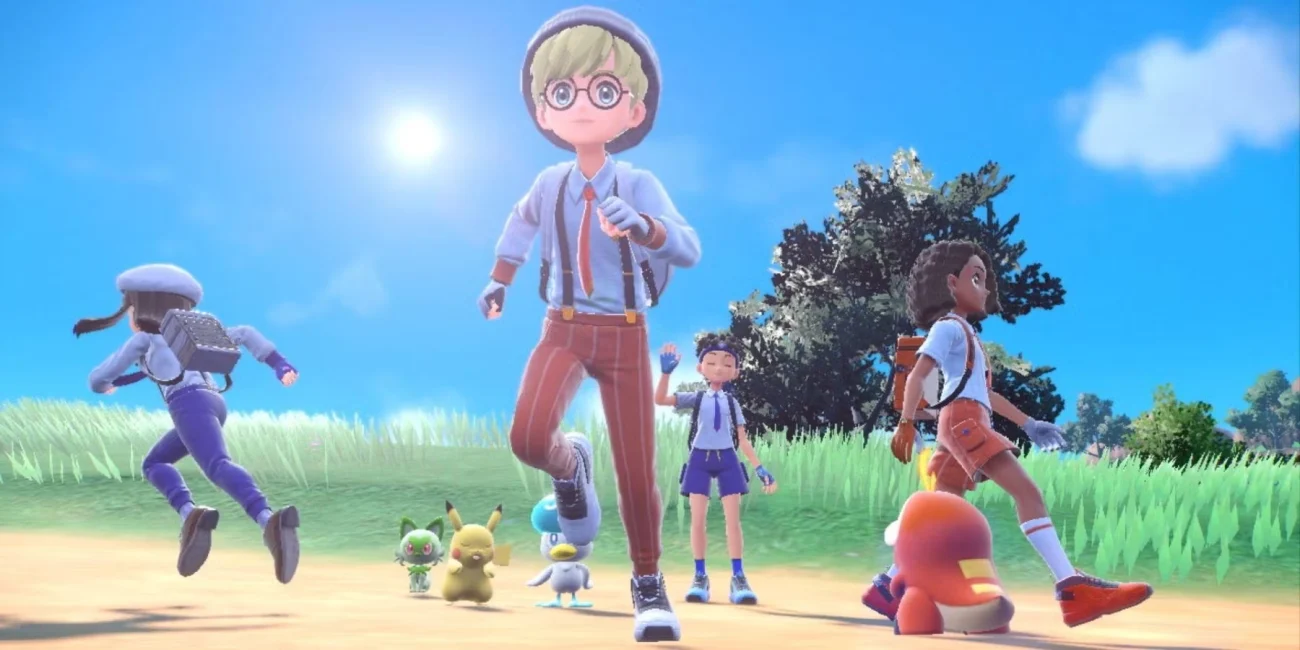
In Union Circle sessions, players can see each other’s Koraidon or Miraidon slide, pop, or momentarily hover because position updates are throttled. When someone boosts or climbs, their exact location may briefly diverge between clients. Drops, spins, or midair dismounts sometimes look different to each participant until the game reconciles everyone’s positions. The world still stays synchronized for key interactions, but travel animations can look off.
No Overworld Audio Cue for Shiny Spawns
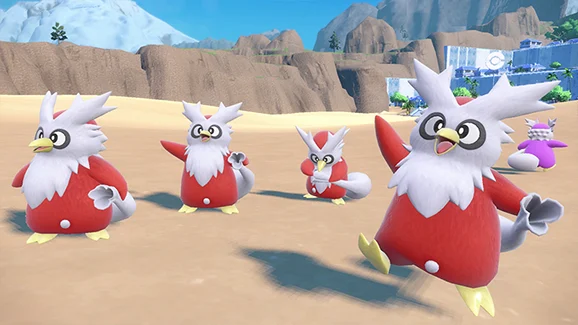
Unlike some entries that use jingles or sparkles in battle, overworld shinies in Paldea don’t play a special sound when they appear. If a shiny has subtle color differences, it’s easy to walk past it in a busy biome or during a mass outbreak. The ‘Let’s Go’ feature won’t auto-battle shinies, which helps preserve them, but it also means you must rely on careful visual checks. Players often zoom the camera and circle spawns to avoid missing rare variants.
Map Pins Struggle With Caves and Elevation
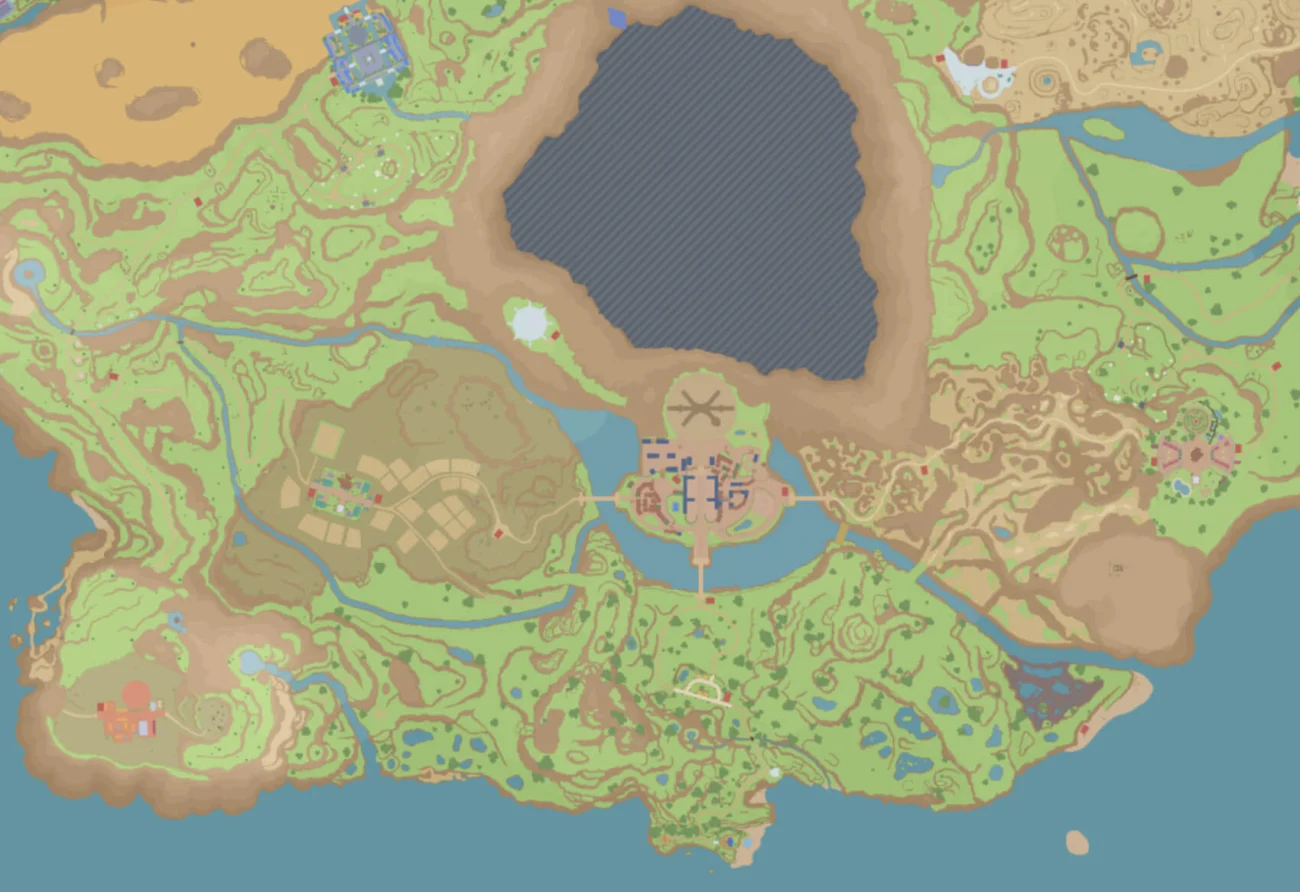
Dropping a pin sets a clear waypoint, but the guidance doesn’t convey whether your target is above ground, at sea level, or in an underground path. Multi-level areas and cave networks frequently put the marker “on top” of the terrain while the actual entrance sits far away. As a result, navigation often becomes a search for vertical access instead of a straight-line route. Players commonly cross-reference habitat notes and landmark shapes to triangulate the right layer.
Pop-In for Textures, Shadows, and Terrain Details
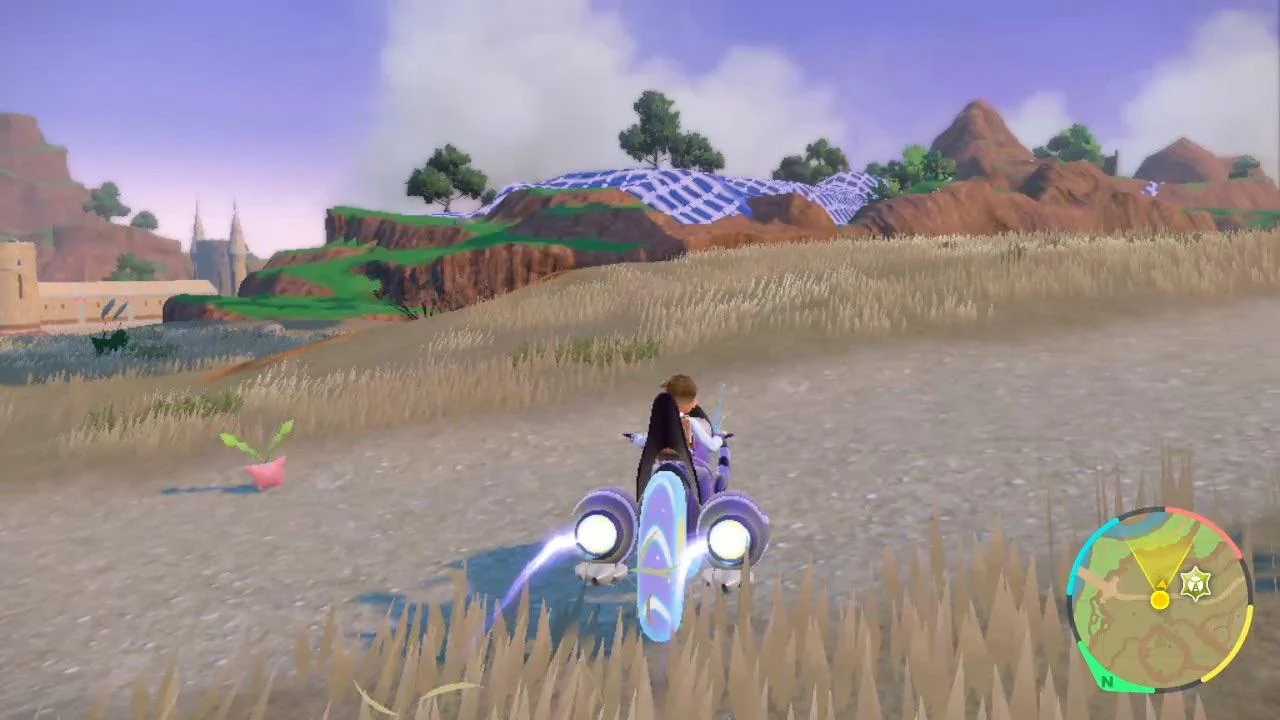
Environmental elements—grass tufts, shadows, and small props—can pop into view a few meters from the camera. Fast travel or mount dashing makes the effect more obvious, as asset streaming tries to catch up. Shadow cascades also update abruptly, causing flicker around trees and rooftops. The scene eventually fills in, but the transition bands are easy to spot when you scan the horizon.
Occlusion and Soft Collisions Around Ledges
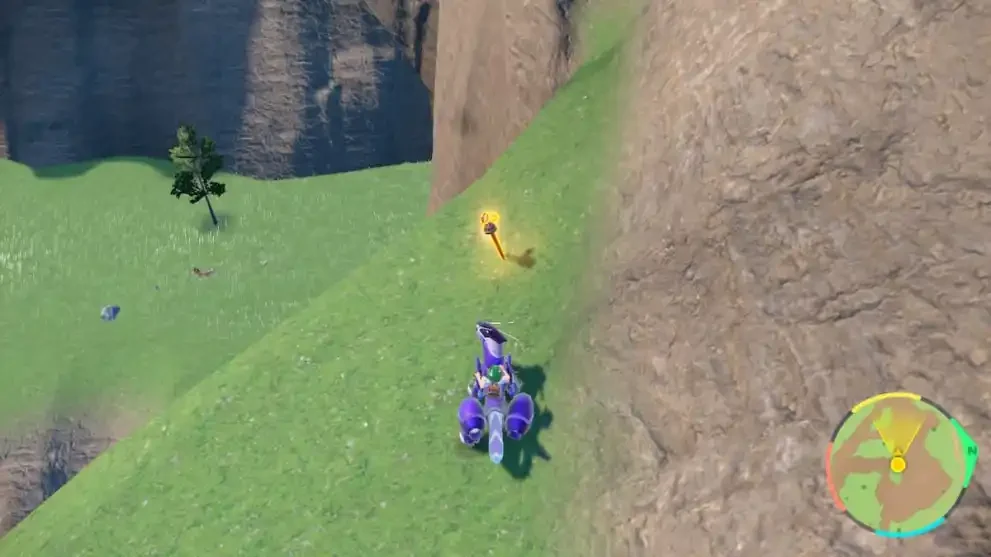
Certain edges, rocks, and railings have forgiving—or inconsistent—collision that lets ride forms wedge into surfaces or jitter. On rare occasions, boosting at a diagonal can slide you into a seam before the game ejects you or respawns you nearby. These spots tend to cluster around steep slopes and handcrafted set pieces. While recoveries are quick, the brief loss of control is jarring when you’re lining up jumps or glides.
Raid Lobby “Communicating…” Bottlenecks
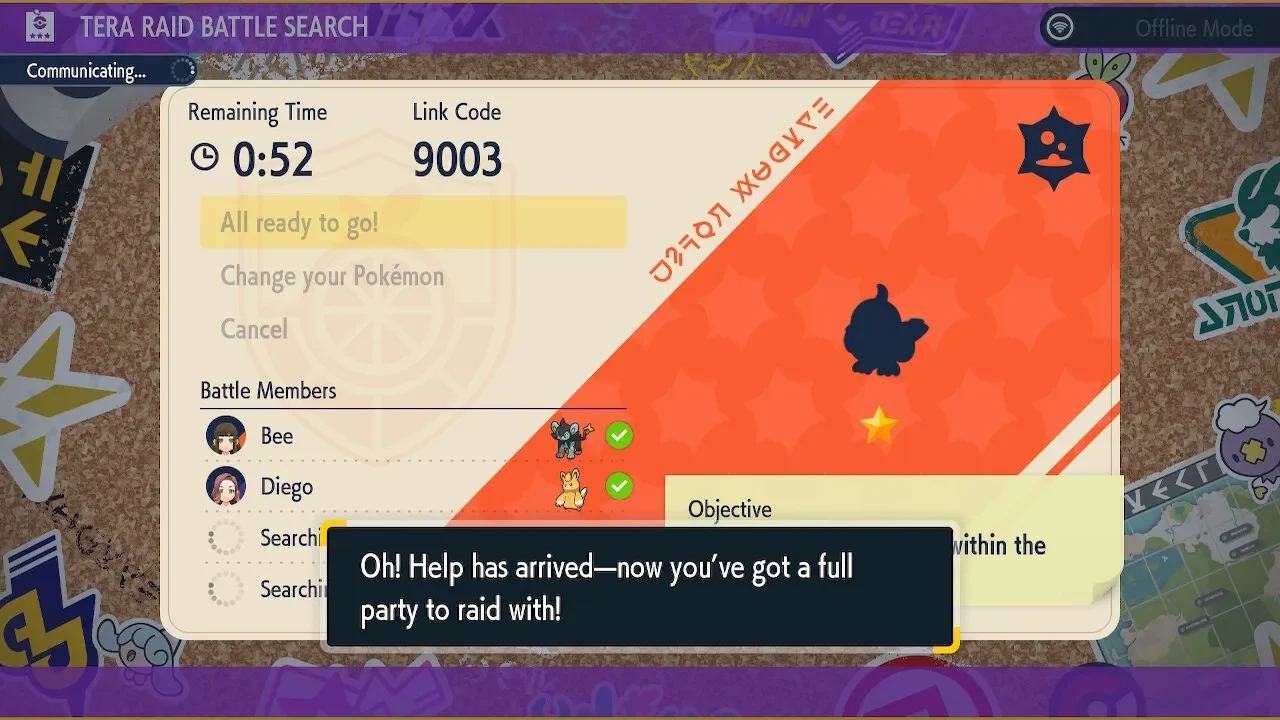
Hosting or joining online raids can stall on the “Communicating…” screen when matchmaking fails or lobbies fill at the same time. The UI keeps the spinner going without promptly surfacing an error, so players wait through multiple timeouts before re-queuing. Friends-only rooms mitigate the issue, but public boards are more prone to collisions. The flow eventually resolves, yet the lack of clear feedback makes the process feel unreliable during peak times.
Share the one that bugs you most in the comments and tell us where you first noticed it!