Graphics Settings That Actually Make Pro Gamers Play Worse

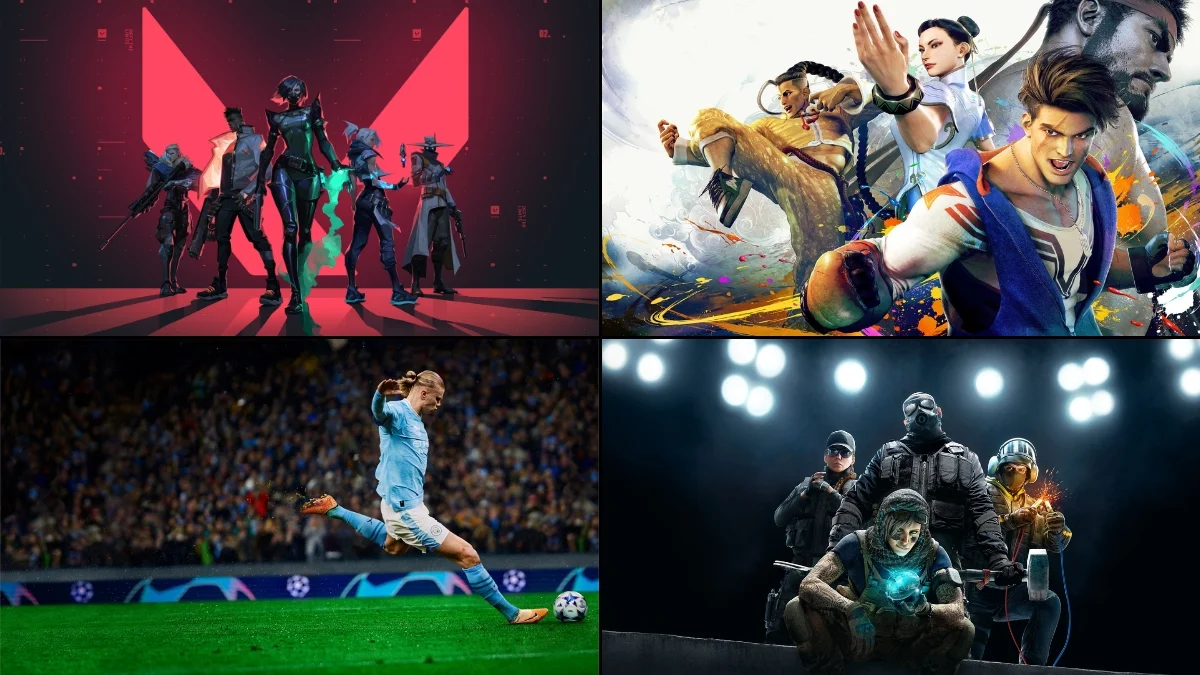

Competitive players obsess over milliseconds, yet many default graphics options quietly add latency, visual clutter, or unstable frame times that sabotage performance. Below are game-specific settings that tend to hurt serious play, plus why they do and what to use instead. Each entry points to a single culprit—often an eye-candy toggle—that can cost precision, consistency, or visibility when it matters most.
‘Counter-Strike 2’ (2023)
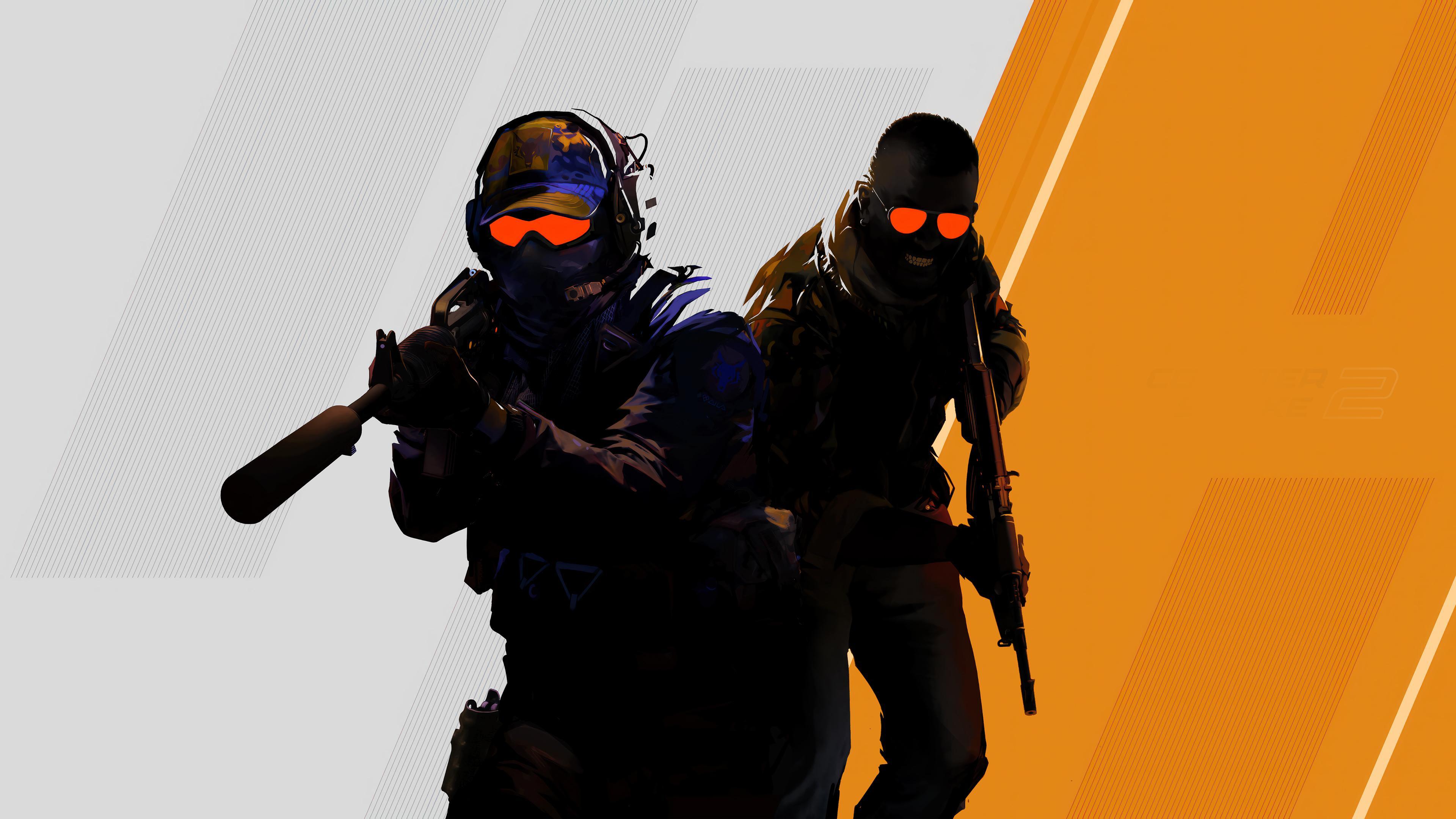
Enabling V-Sync and triple buffering in Valve’s tactical shooter adds input lag that makes recoil control and flick shots feel mushy; disable both and use the game’s frame limiter instead to keep frametimes consistent. High shadow quality also increases CPU overhead on some maps, leading to micro-stutter during peeks—drop shadows to low for the clearest enemy silhouettes. Motion blur further smears peripheral detail during counter-strafes, so keep it off. Developed and published by Valve.
‘Valorant’ (2020)
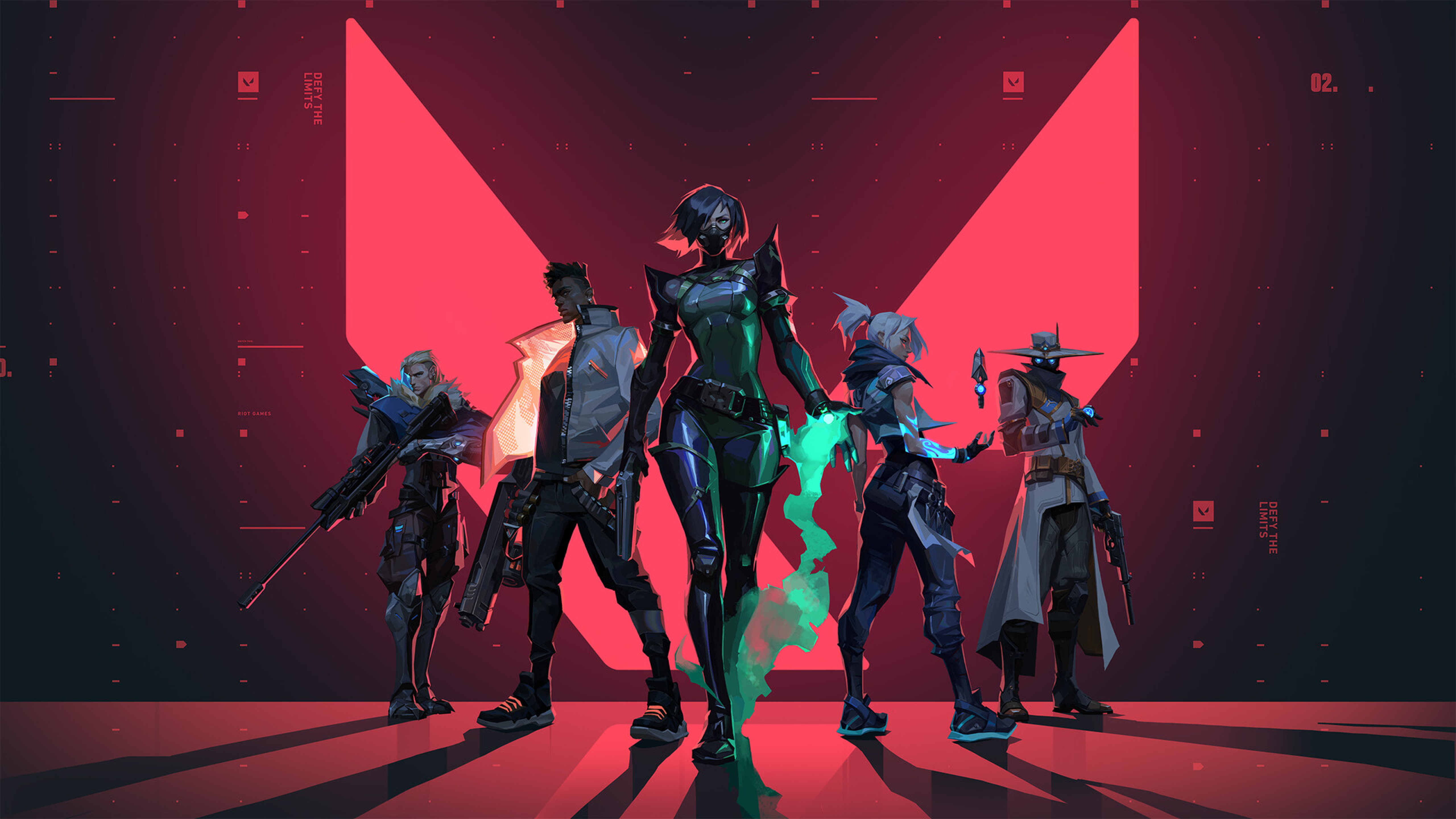
In Riot Games’ hero shooter, raising anti-aliasing to MSAA 8x or enabling high anisotropic filtering can push frametimes just enough to desync with the net tick rate, degrading crosshair stability across duels. The built-in NVIDIA Reflex/AMD Anti-Lag suite works best when V-Sync is off; turning both on cancels the latency benefit. Bloom and distortion effects also make head hitboxes harder to parse through ability clutter—turn them off for cleaner sightlines. Developed and published by Riot Games.
‘Fortnite’ (2017)
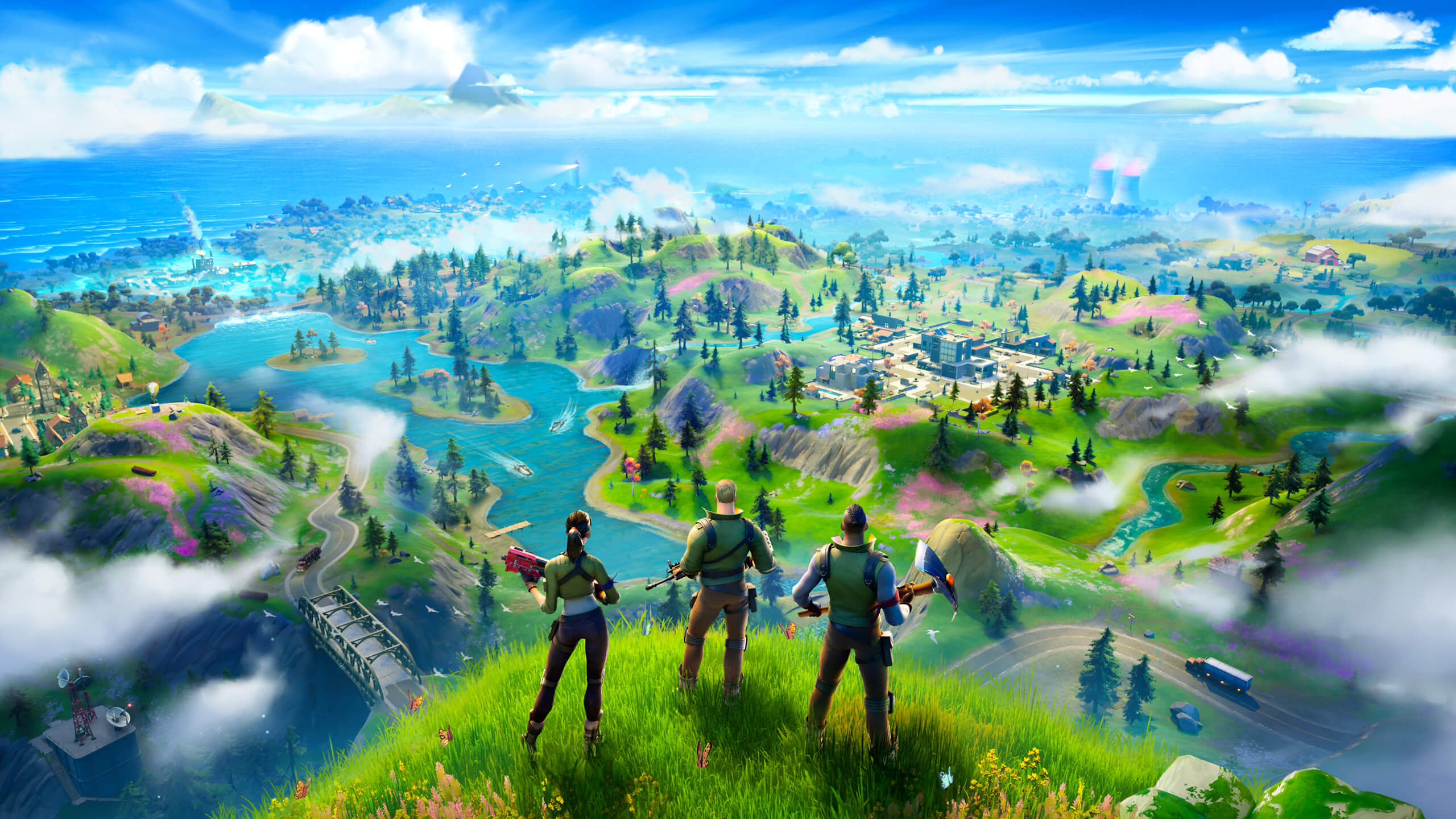
Epic’s battle royale looks flashy with motion blur, film grain, and temporal super-resolution, but these stack ghosting artifacts on fast edits and shotgun swaps; use Performance Mode or TAA on low for cleaner motion. Hardware ray tracing dramatically reduces frame rate in build fights, worsening input latency during 90s and piece control. High foliage density hides opponents in grassy biomes—lower it to reduce visual noise. Developed and published by Epic Games.
‘Apex Legends’ (2019)
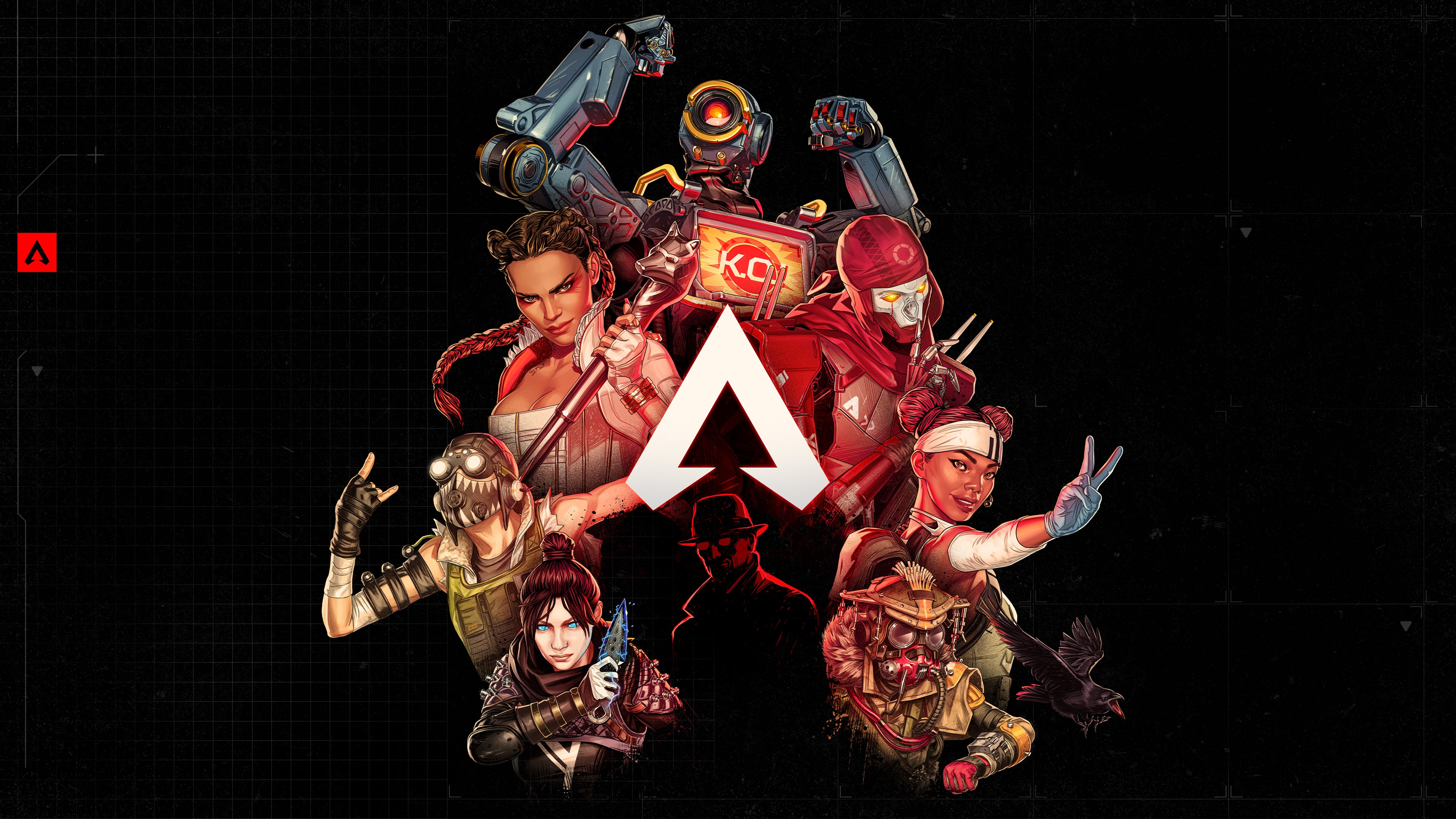
Respawn’s BR suffers noticeable input delay with V-Sync or adaptive sync forced through the driver; cap FPS a few frames under your monitor’s refresh instead. Ambient occlusion and volumetric lighting make interior corners darker, obscuring armor swaps and shield cracks mid-fight—set both to low. Texture streaming set too high for your VRAM budget triggers hitching when sliding into new POIs. Developed by Respawn Entertainment and published by Electronic Arts.
‘Overwatch 2’ (2022)
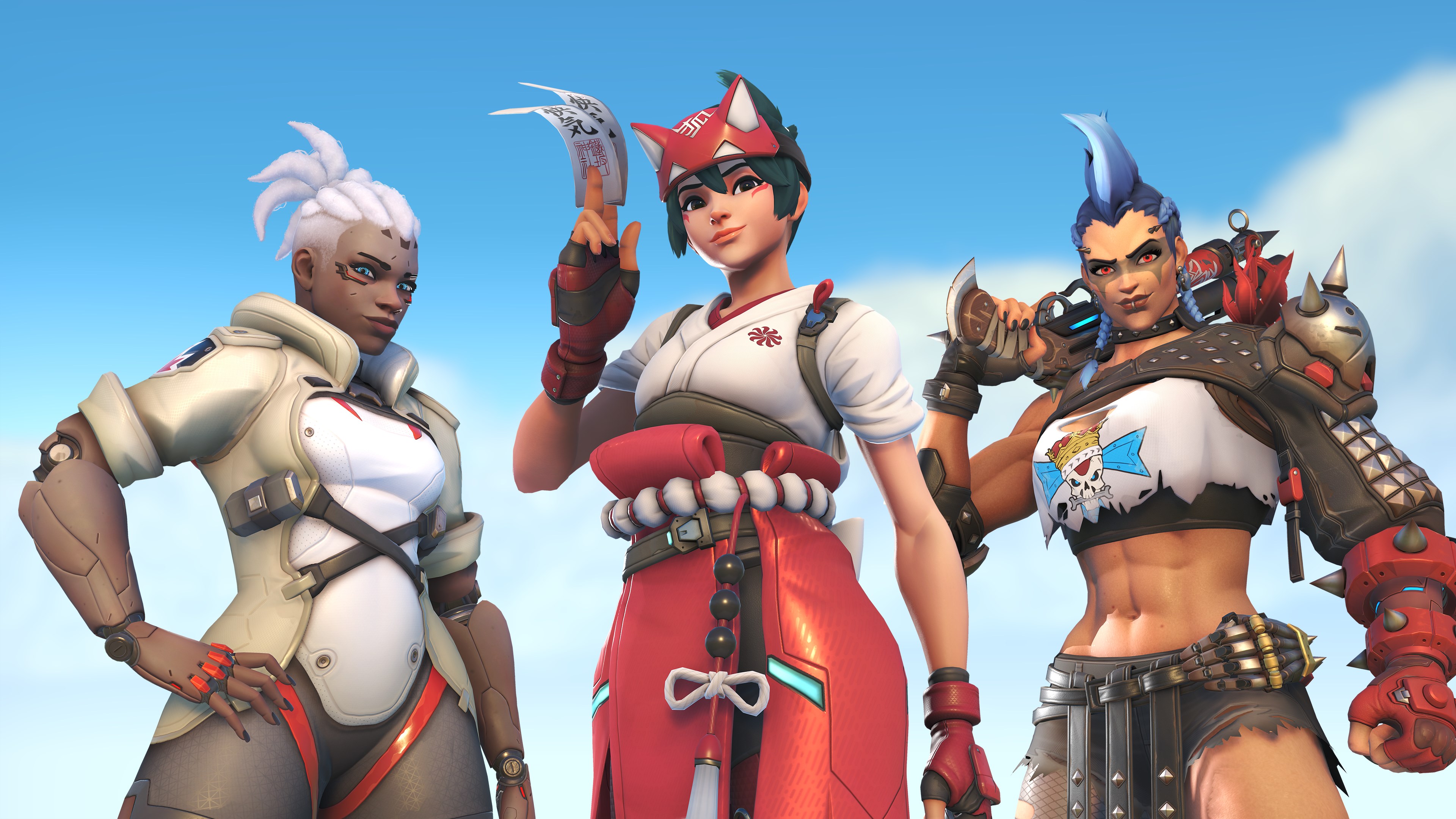
In Blizzard’s 5v5 shooter, dynamic render scaling tied to GPU load can cause fluctuating visual sharpness that disrupts tracking heroes like Tracer or Sojourn; lock a fixed resolution for stable muscle memory. High reflection and refraction settings add distracting specular highlights on glossy maps, masking projectile trails. Enabling V-Sync negates NVIDIA Reflex benefits—keep Reflex on, V-Sync off. Developed and published by Blizzard Entertainment.
‘Tom Clancy’s Rainbow Six Siege’ (2015)
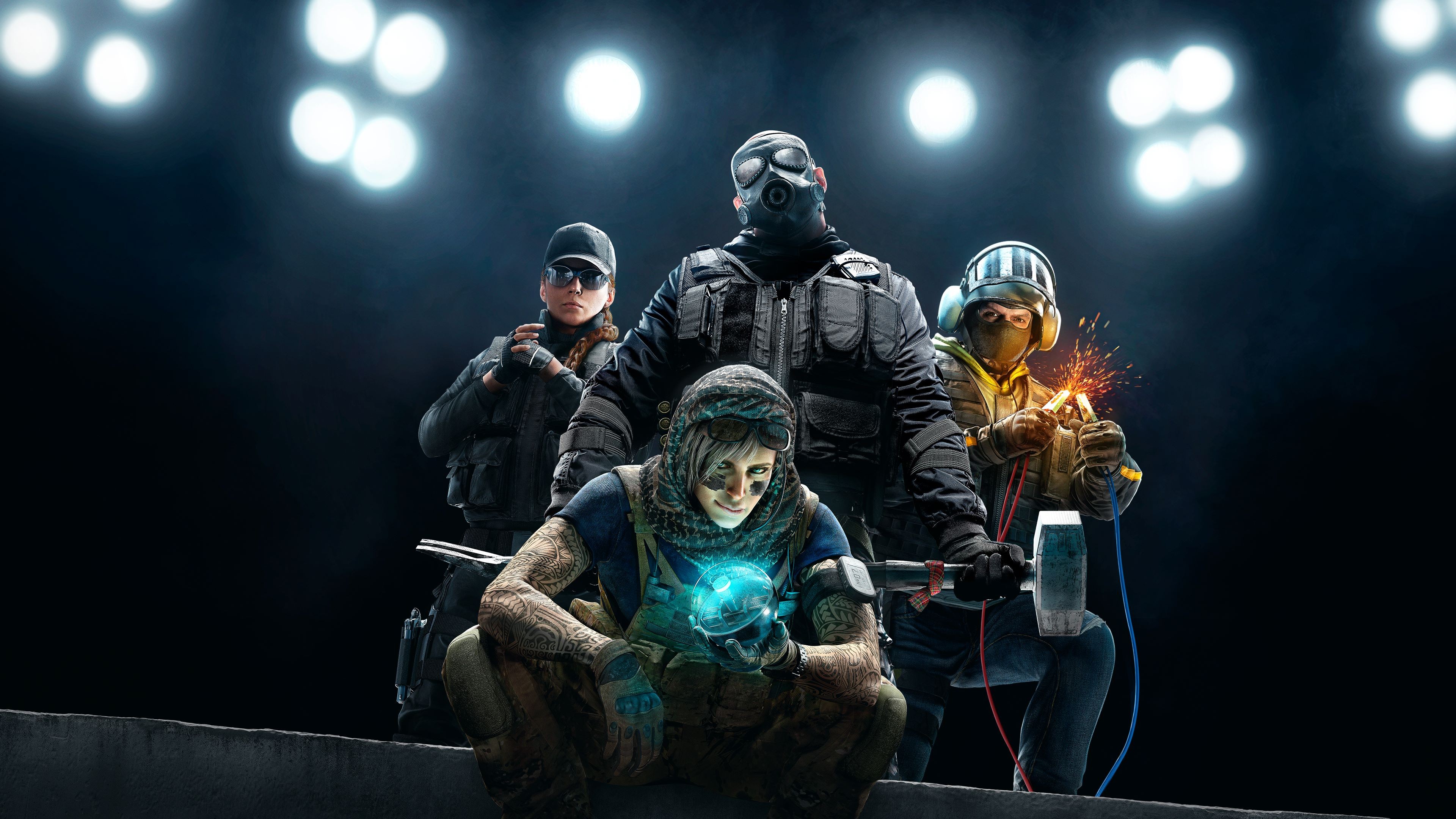
Chromatic aberration and lens flare in Ubisoft’s tactical FPS distort edges on doorframes and barricades, making pixel peeks less reliable; disable both for crisp lines. Ultra shadows and ambient occlusion deepen dark corners, letting defenders blend into clutter—low settings flatten lighting for clearer IDs. TAA at maximum introduces ghosting on fast lean spams; prefer lower TAA or SMAA. Developed and published by Ubisoft.
‘PUBG: Battlegrounds’ (2017)
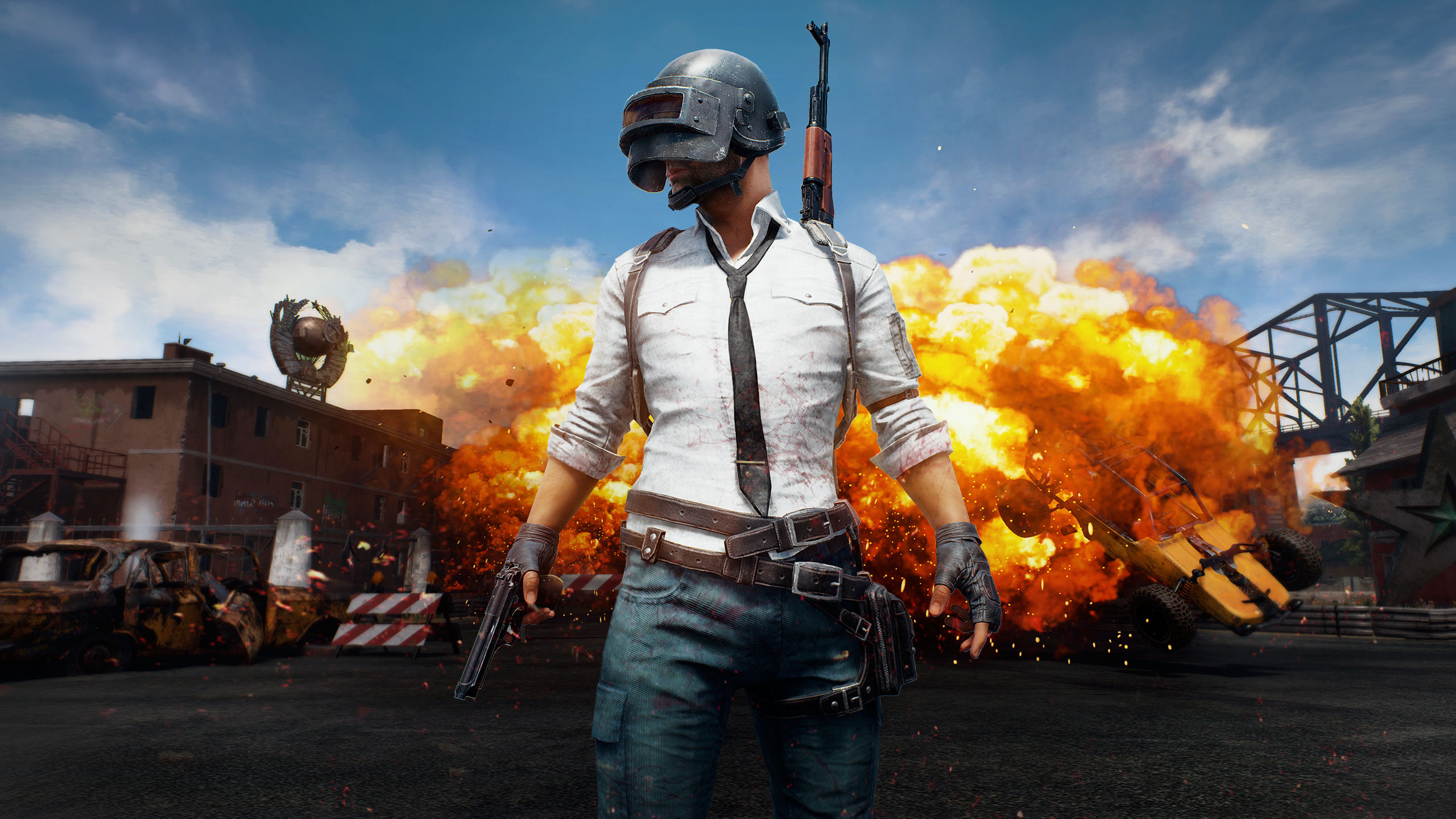
Sharpness filters and post-processing on high in Krafton’s BR exaggerate shimmer at range, making long-distance tracking harder; keep post-processing low and use a mild sharpening only. Foliage on ultra adds dense grass that visually hides prone targets—pro lobbies standardize low. Motion blur smears muzzle flash and recoil patterns during spray transfers. Developed by PUBG Studios and published by Krafton.
‘Call of Duty: Warzone’ (2020)
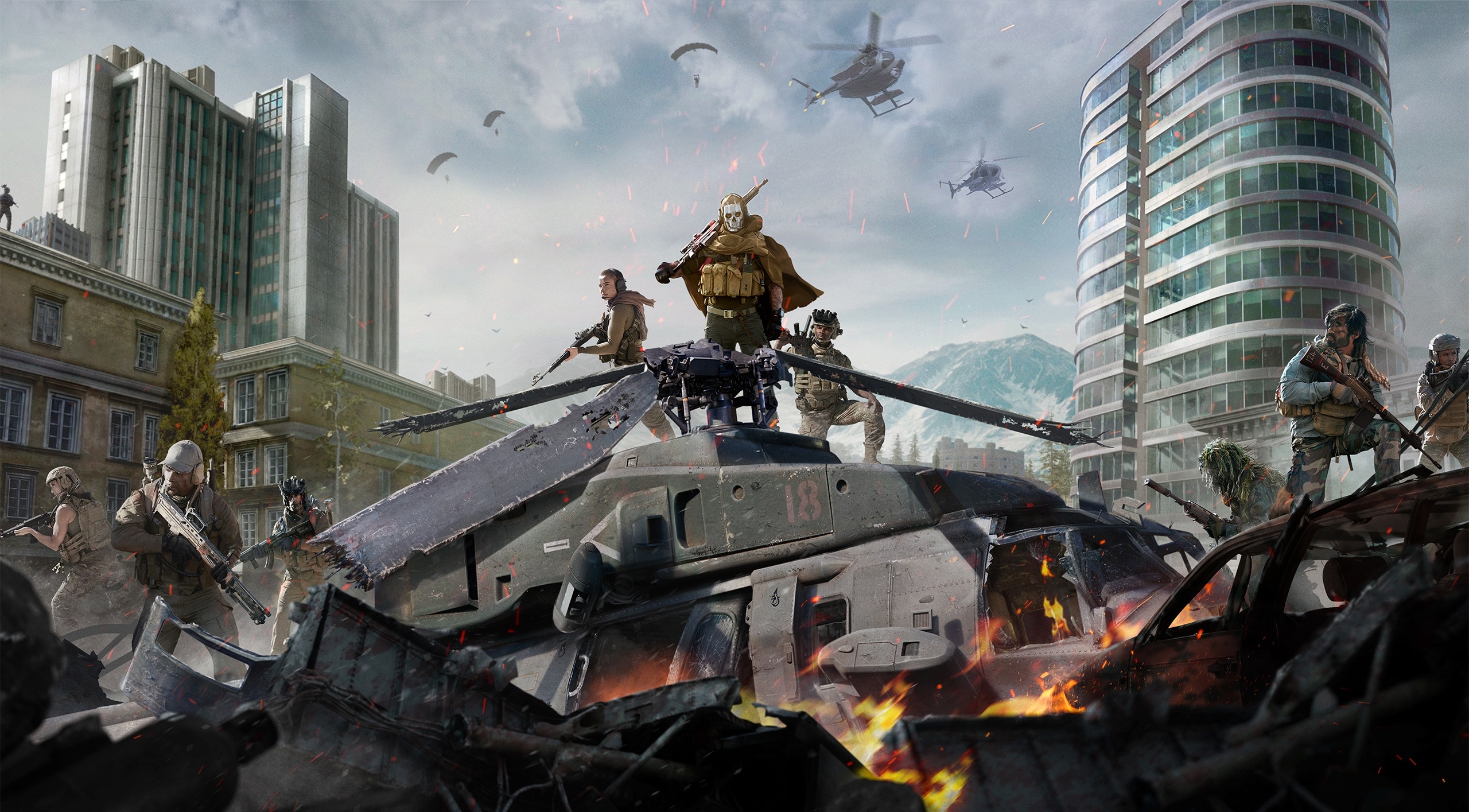
Screen-space reflections and filmic strength in Activision’s free-to-play COD create glare on water and windows that hide enemy outlines; disable SSR and reduce filmic. Depth of field blurs irons and peripheral targets during slide-cancels—turn it off for instant sight clarity. Frame Generation (DLSS 3) boosts FPS but can add input latency in high-TCK fights; competitive players favor native or DLSS Quality with Reflex enabled. Developed by Infinity Ward/Raven Software and published by Activision.
‘Rocket League’ (2015)
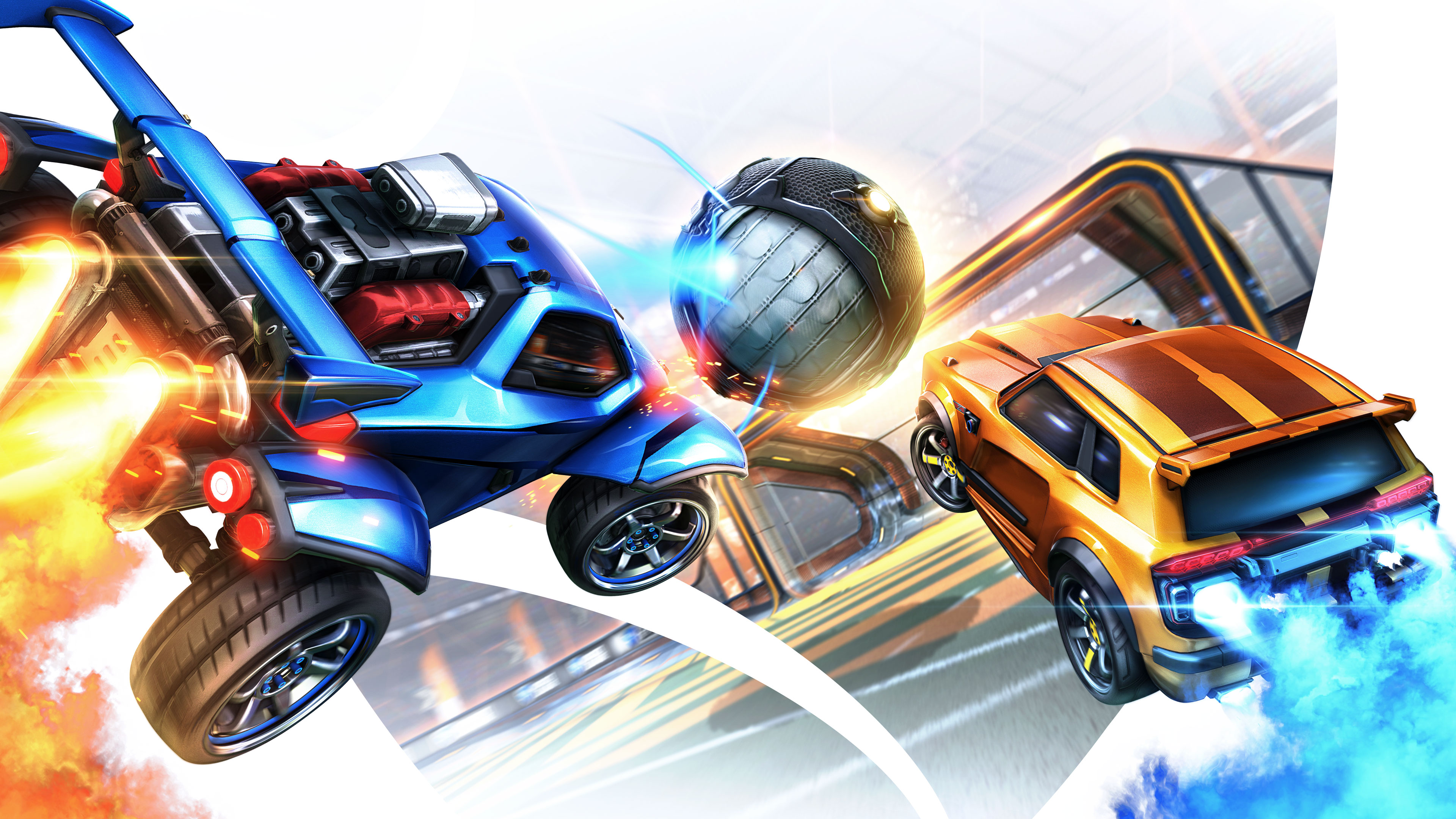
Motion blur and high bloom make ball spin and trail reads harder during aerials—disable both for precise touch timing. V-Sync adds enough delay to throw off flip resets; cap FPS and keep V-Sync off. Ambient occlusion on high darkens corners of arenas, obscuring wall reads at speed. Developed and published by Psyonix.
‘League of Legends’ (2009)

Character inking, bloom, and high effects quality add visual clutter in 5v5s, masking crucial spell telegraphs—dropping effects quality improves clarity without altering hitboxes. Frame rate capping too low relative to the server tick can amplify perceived input delay; set a higher cap with V-Sync off. Shadows on high hide wards in brush at certain angles. Developed and published by Riot Games.
‘Dota 2’ (2013)

High particle quality and weather effects make ability spam visually noisy in teamfights; disable weather and lower particles for clearer unit selection. Ambient occlusion and high shadows reduce creep and hero readability under trees—keep them low. Rendering API choice matters: on some systems, forcing Vulkan with outdated drivers causes frame-time spikes. Developed and published by Valve.
‘Halo Infinite’ (2021)
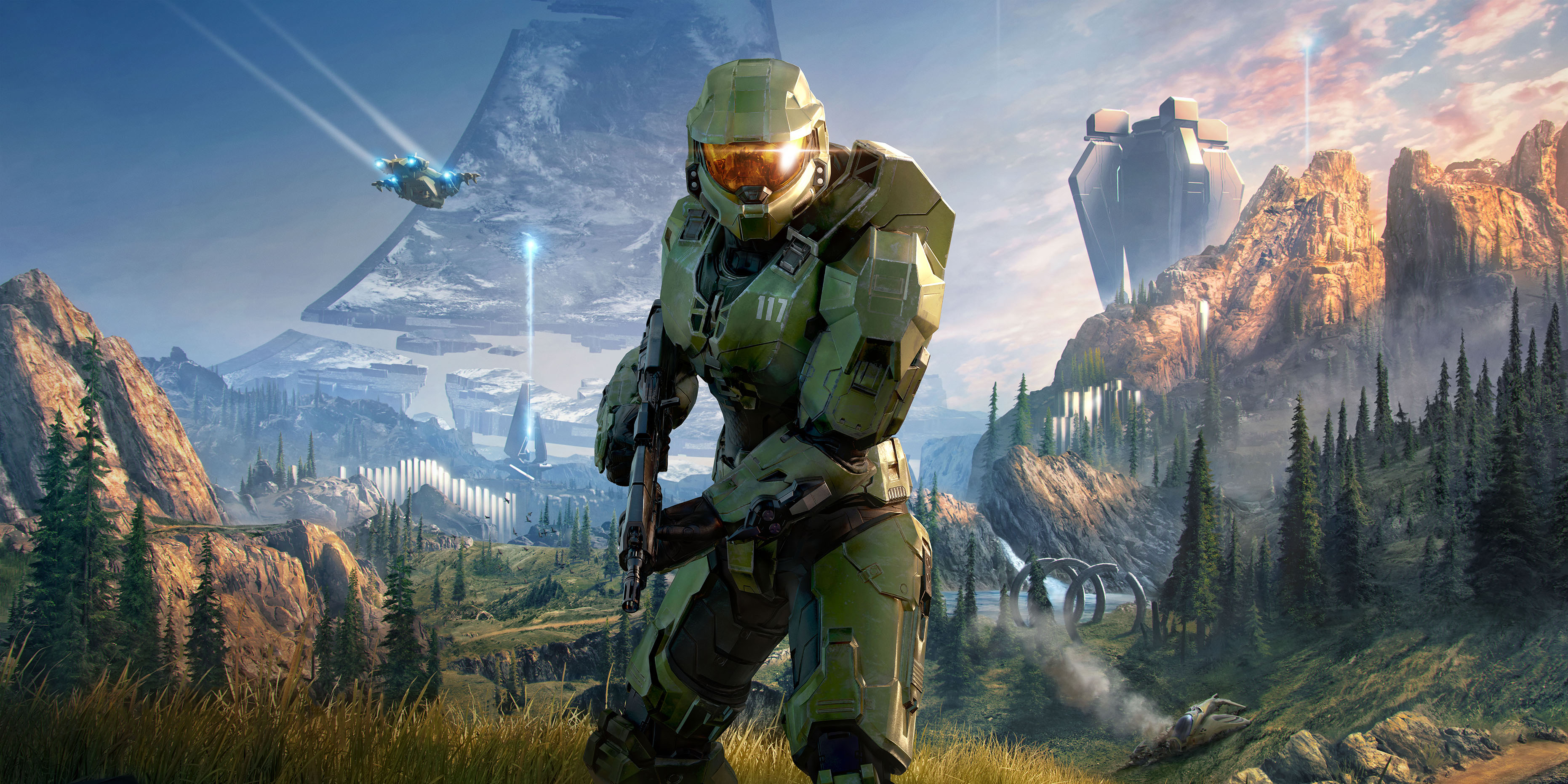
Ray-traced sun shadows (where available) and ultra volumetrics reduce FPS during grapple and thrust engagements, adding latency in close quarters; set both to low. TAA sharpening too high introduces haloing around enemies against bright skyboxes, which can mislead target edges—dial it back. V-Sync negates low-latency modes; use Reflex/Anti-Lag and frame caps instead. Developed by 343 Industries and published by Xbox Game Studios.
‘Battlefield 2042’ (2021)
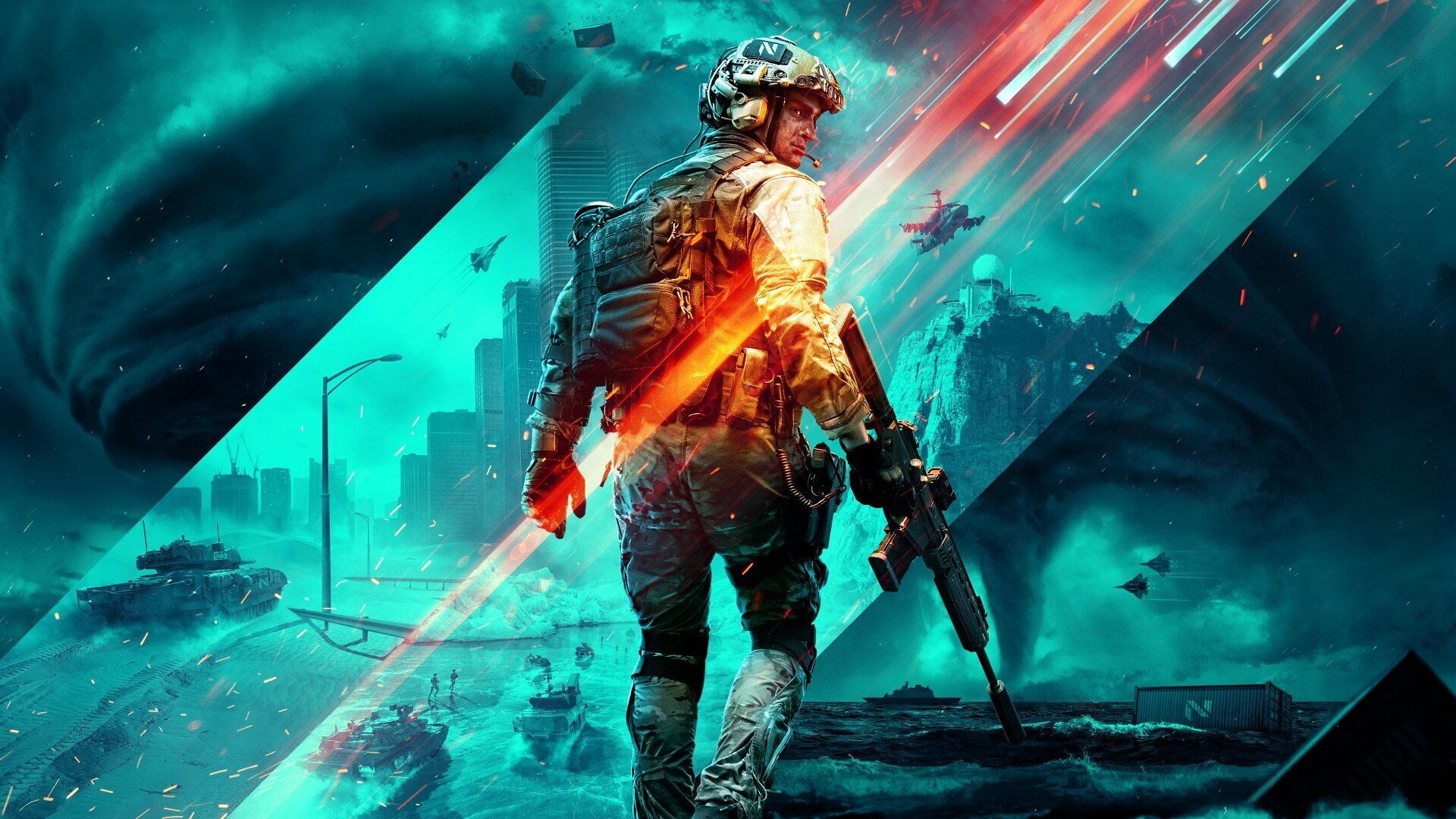
High mesh quality and terrain deformation fidelity increase CPU load in 128-player chaos, leading to inconsistent frame times; medium keeps clarity without the stutter. SSAO/SSDO and screen-space reflections make distant silhouettes blend into haze—lower both for spotting. Ray tracing and motion blur together tank responsiveness in vehicle-infantry transitions. Developed by DICE and published by Electronic Arts.
‘Quake Champions’ (2017)
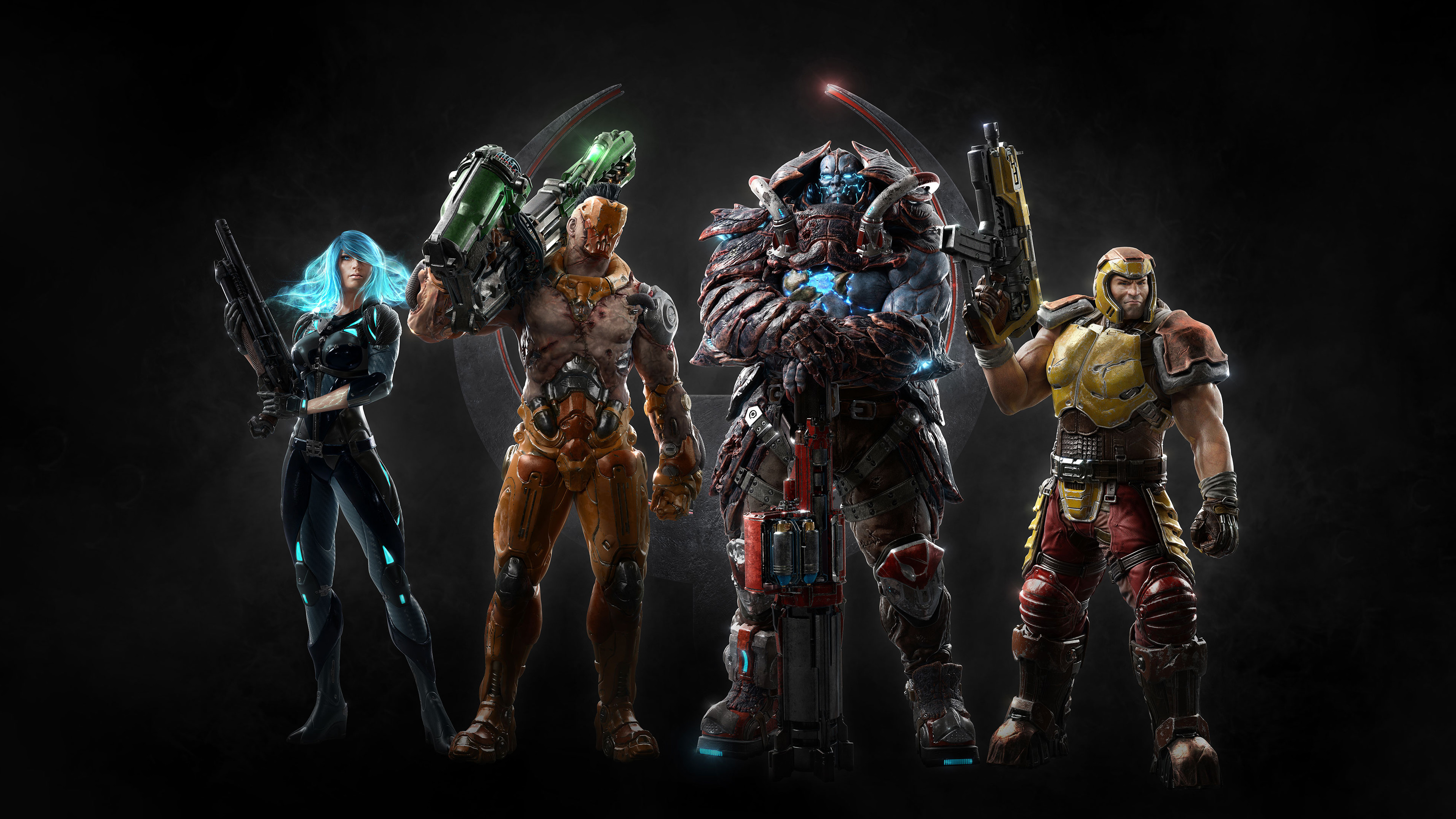
Excessive anti-aliasing (TAA) introduces blur that harms rail timing; SMAA or lower TAA with added sharpness preserves clarity. Particle effects on high obscure rocket splash indicators in tight maps—drop to medium. V-Sync adds noticeable delay at high Hz; cap FPS with V-Sync off. Developed by id Software and published by Bethesda Softworks.
‘The Finals’ (2023)
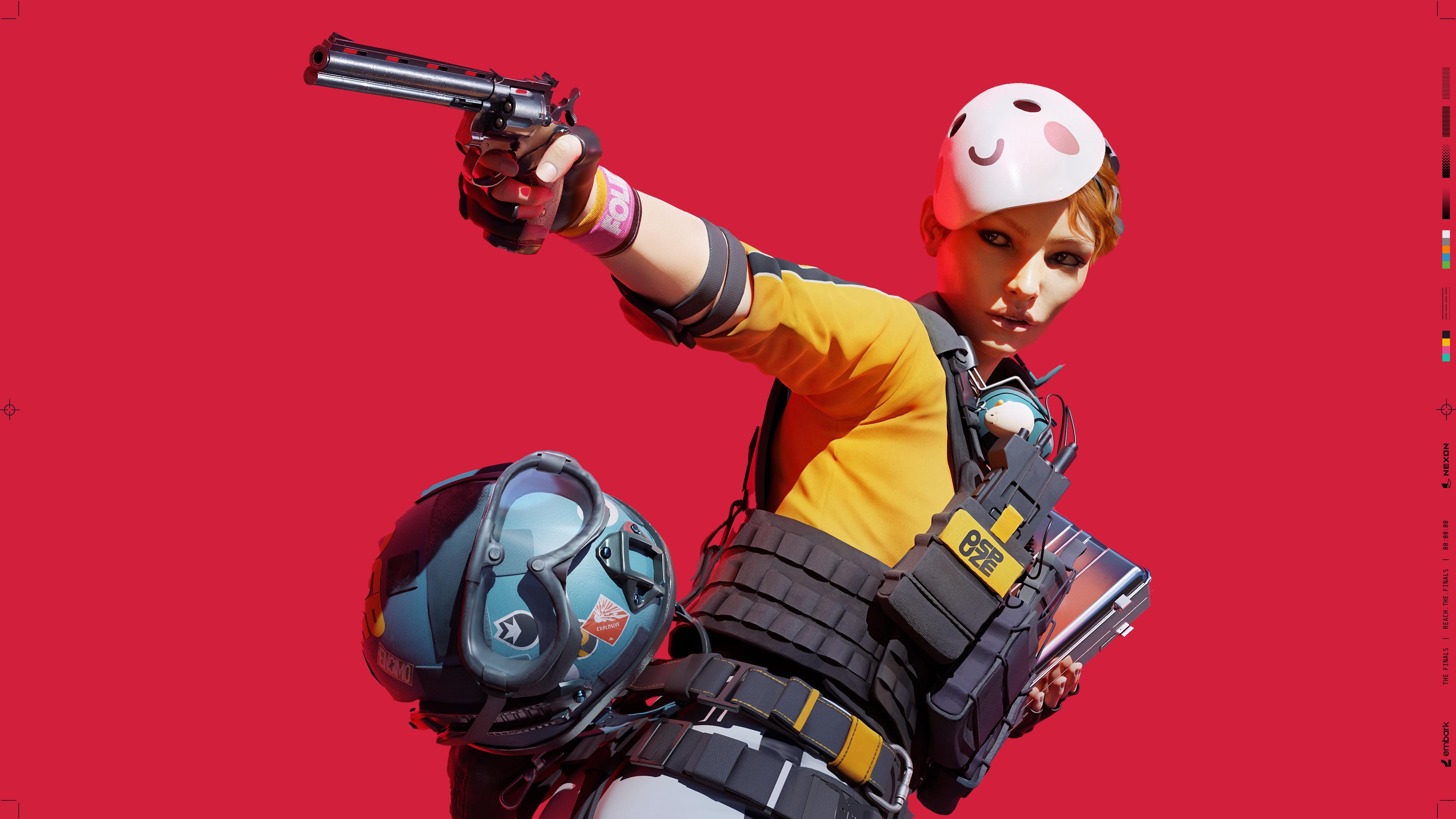
Advanced destruction quality and high global illumination dramatically swing GPU load during building collapses, spiking latency mid-fight; set destruction and GI to performance-friendly levels. Motion blur and film grain make muzzle flash tracking messy in smoke—disable both. Frame Generation can help FPS but should be paired with Reflex; otherwise, input timing feels off. Developed and published by Embark Studios.
‘EA Sports FC 24’ (2023)
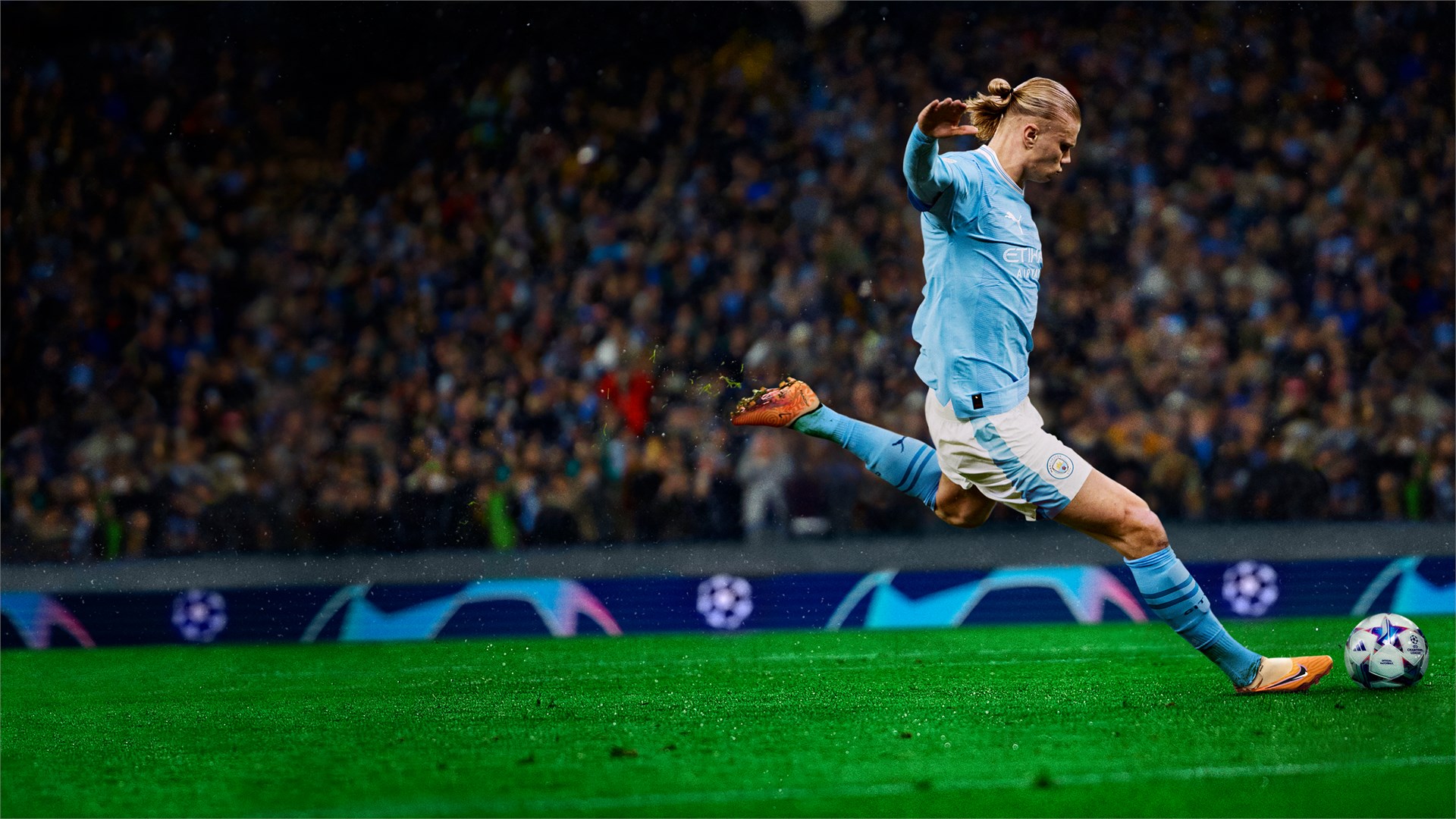
Depth of field and cinematic camera effects add delay in visual feedback during skill-move chains; disable DOF for clean player outlines. Dynamic resolution scaling can cause inconsistent lock-on perception during through-balls—prefer fixed resolution with stable frame rate. V-Sync adds noticeable input latency for timed finishing. Developed by EA Vancouver/EA Romania and published by Electronic Arts.
‘Street Fighter 6’ (2023)

Motion blur and post-processing bloom reduce clarity on hit sparks and drive impact cues that inform reactions—turn them off for sharper reads at 60 FPS. V-Sync increases input latency for links and parries; keep it off and cap FPS appropriately. Screen-space reflections add glare on certain stages, distracting during neutral. Developed and published by Capcom.
‘Escape from Tarkov’ (2017)
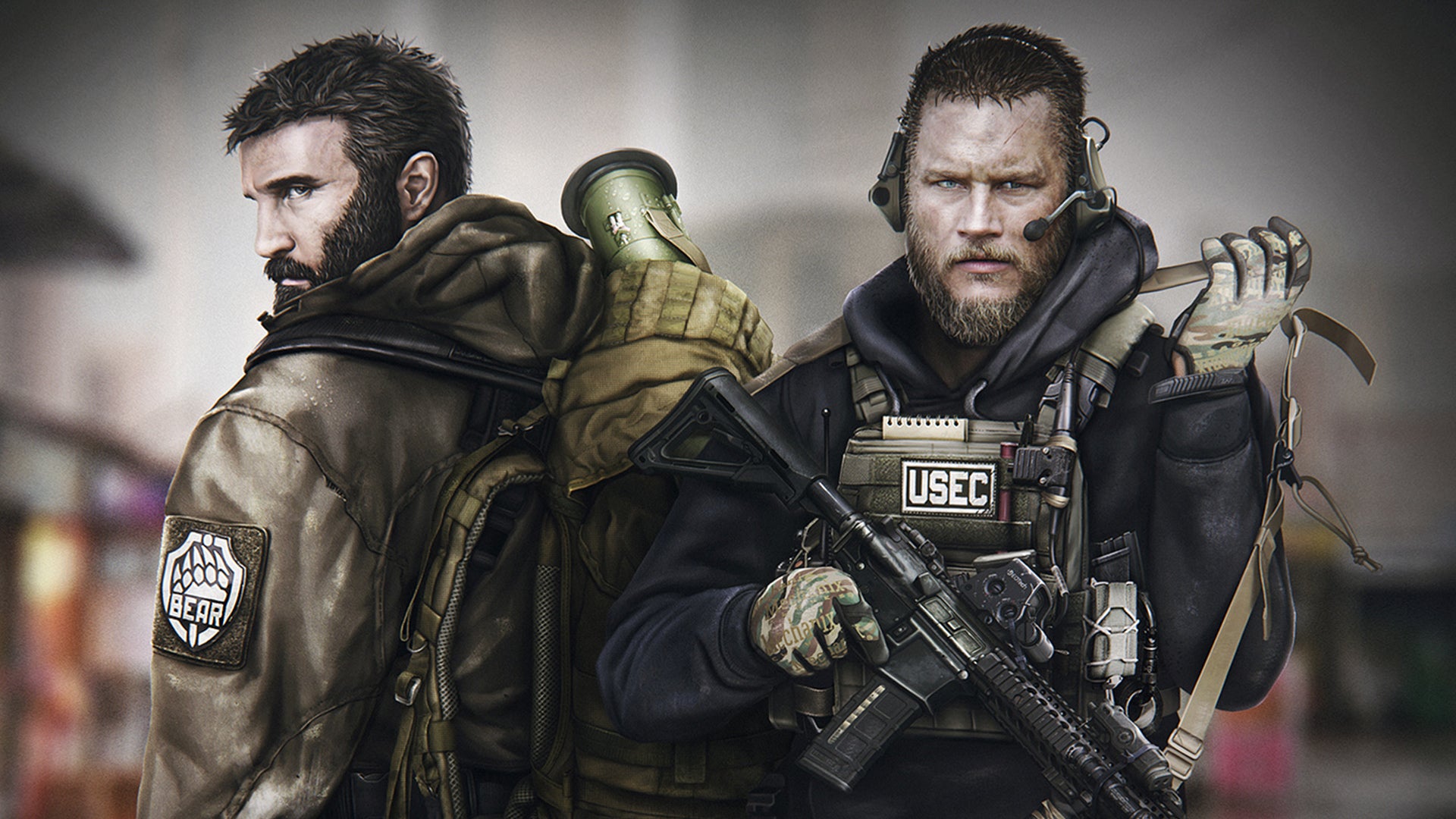
High shadows, SSR, and ambient occlusion together darken interiors, making target acquisition harder; competitive settings favor low shadows and SSR off. Texture quality beyond your VRAM triggers stutters when opening doors or ADSing into new rooms—match textures to VRAM headroom. Nvidia Reflex should be on; pairing it with V-Sync undermines the benefit. Developed and published by Battlestate Games.
‘Team Fortress 2’ (2007)
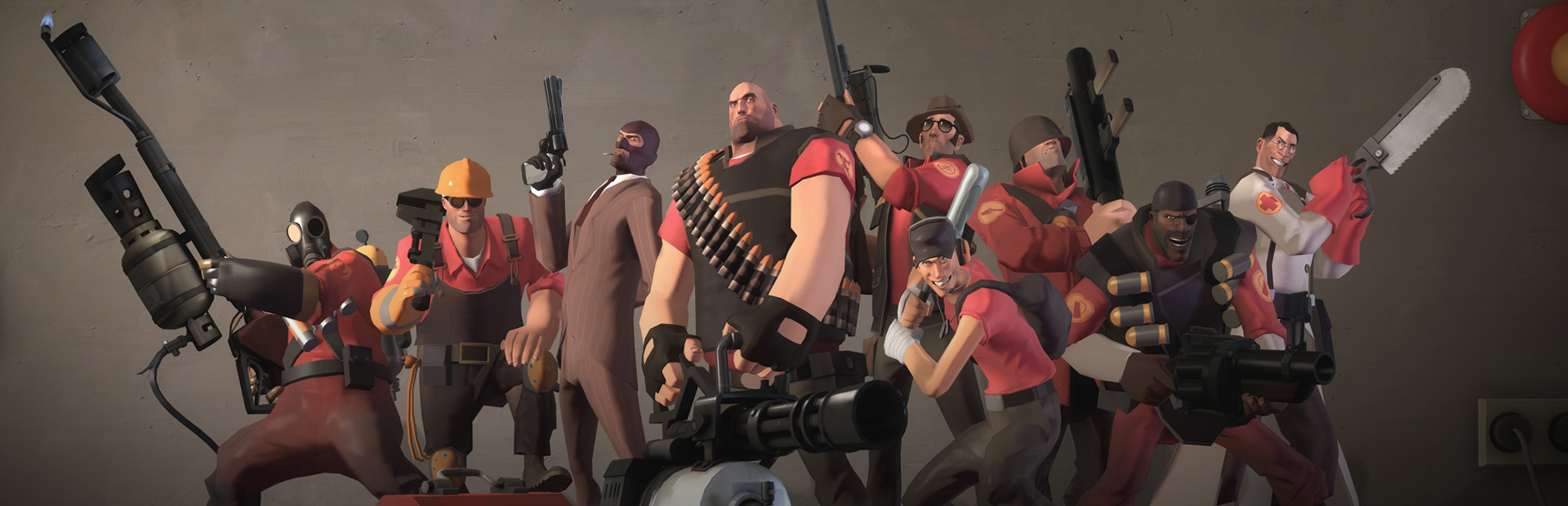
High particle detail and dynamic shadows clutter sightlines in spam-heavy choke fights; lower both for cleaner target tracking. Motion blur and color correction alter perceived projectile arcs on classes like Soldier and Demoman—disable them. V-Sync adds delay noticeable on rocket jumps and airshots. Developed and published by Valve.
‘Rainbow Six Mobile’ (2023)
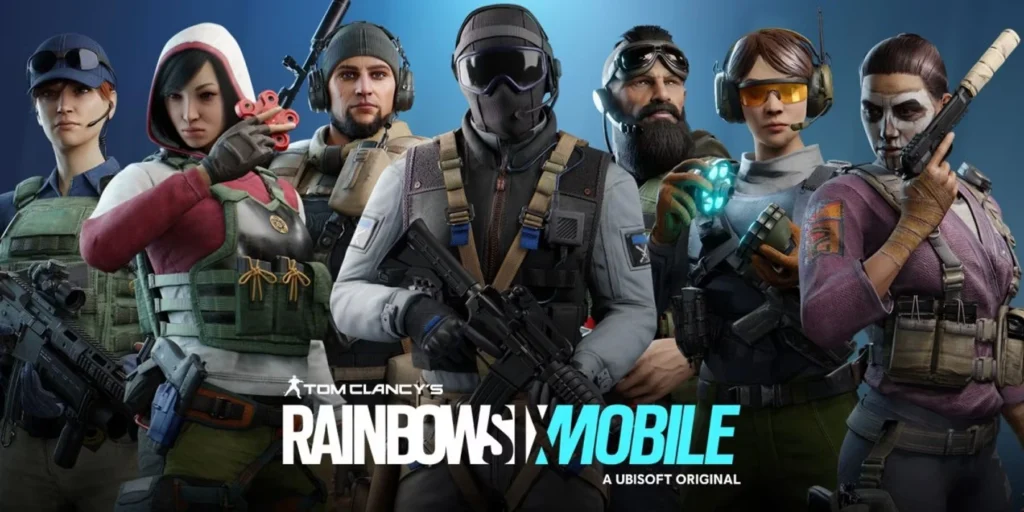
On competitive mobile play, enabling high bloom, motion blur, and high shadows reduces both FPS and touch response, making micro-leans and pixel peeks unreliable; lower those for consistent aim. Dynamic resolution can flicker fine details on doorframes—lock resolution if your device sustains target FPS. Haptic-driven “cinematic” effects also add latency to inputs. Developed by Ubisoft and published by Ubisoft.
Share the settings that tank your performance—and the tweaks that saved you—in the comments!