How Gaming Setups Are Changing the Way Players Experience Sports Games at Home

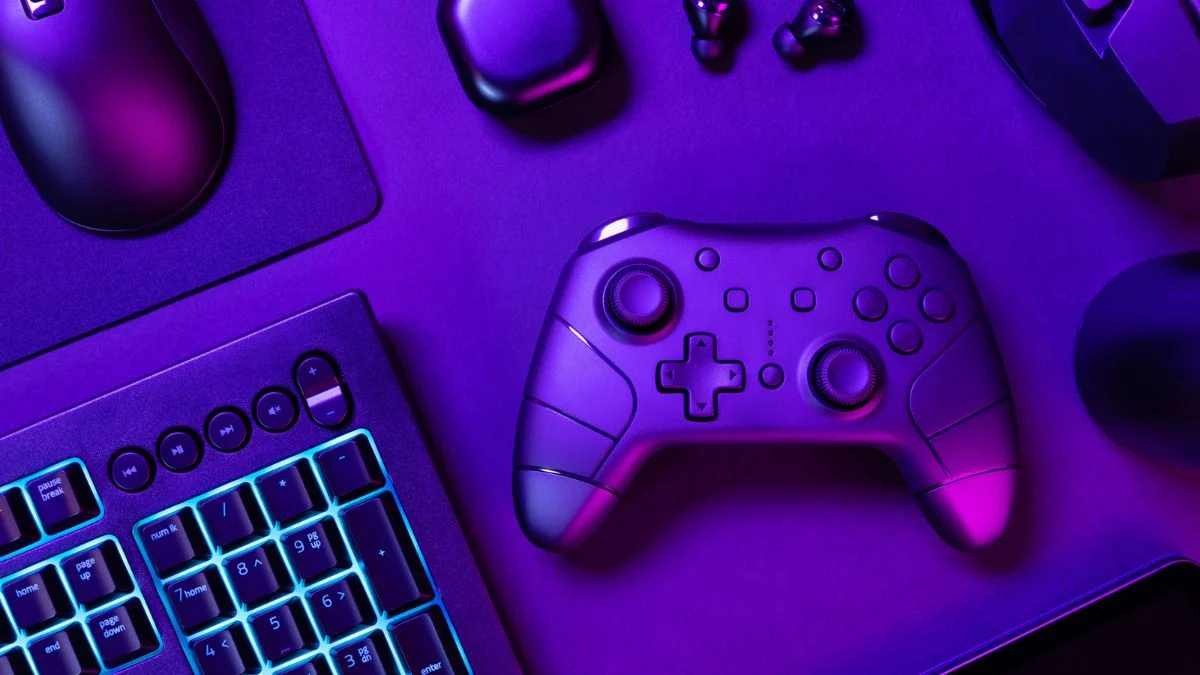
Sports games place every pass, shot, tackle, and camera pan on a screen for long stretches. That focus has pushed the home setup conversation toward motion, control, and comfort rather than treating a console as the whole experience. Current hardware capabilities put the display, controller, and headset at the center of how a match looks, sounds, and feels. The screen is part of the decision.
That planning can include purchases inside the game as well as gear around it. A player who wants to buy 2K VC online can treat the transaction as one part of an NBA 2K setup, alongside a compatible screen and a controller that remains comfortable through extended sessions. The listed platform and region information provides a practical detail to review while organizing that setup. It keeps spending connected to play.
Motion has become a setup priority
Recent sports-game setup choices increasingly focus on the path between console and display. PlayStation 5 supports HDMI 2.1, 4K output at up to 120Hz, Variable Refresh Rate, and Auto Low Latency Mode with compatible hardware. Xbox Series X also supports 4K gaming, up to 120 frames per second, HDMI 2.1, Auto Low Latency Mode, Variable Refresh Rate, and AMD FreeSync when compatible content and a compatible display are in place. Settings must also be enabled.
These specifications do not turn every sports title into a 120-frame-per-second experience. They clarify why a compatible monitor has become a meaningful choice: 4K emphasizes image detail and presentation, while higher refresh rates and VRR prioritize smooth motion as frame rates change. VRR dynamically matches refresh rate to changing frame rates and can reduce visible tearing and stuttering when console, game, display, and settings support it.
Compatibility deserves attention before the first kickoff. The HDMI connection and settings on both console and display determine which functions can operate. ALLM and VRR need support across the connected equipment, so a polished setup begins with matching capabilities rather than a single headline specification. That check belongs in setup.
Buying digital games with setup planning in mind
The best website to buy games is an official platform store or a reputable digital marketplace with clear product information. Eneba is one option for game keys, gift cards, and digital products, with verified merchants and product pages that can show platform and regional information. Those details help players select an item suited to their account and intended region for each purchase. Clear listing information keeps the purchase practical and preserves focus on the hardware plan.
Audio, controls, and comfort complete the setup
Audio and control complete the picture. PS5 supports Tempest 3D AudioTech, and compatible headphones can offer positional audio; its settings include personalized 3D audio profiles and preset profiles. The PULSE 3D headset adds controls for mute, master volume, and game-chat mix. That separation can give commentary, crowd noise, contact sounds, and online communication clearer places in the mix.
Controllers remain the peripheral closest to every on-field decision. DualSense haptic feedback and adaptive triggers work in supported games, while the Xbox Wireless Controller uses textured triggers, bumpers, and grips for tactile control and comfort. Screen height, seating distance, headset comfort, cable management, and charging access can also shape a long session.
The direction is practical: choose components that suit the console, supported game features, and the room where play happens. Digital marketplaces like Eneba offer deals on games, gaming top-up, and more, while listed platform and region information helps players plan NBA 2K purchases around the rest of their setup.