

‘Street Fighter VI’ Mistakes You’ll Never Be Able to Unsee

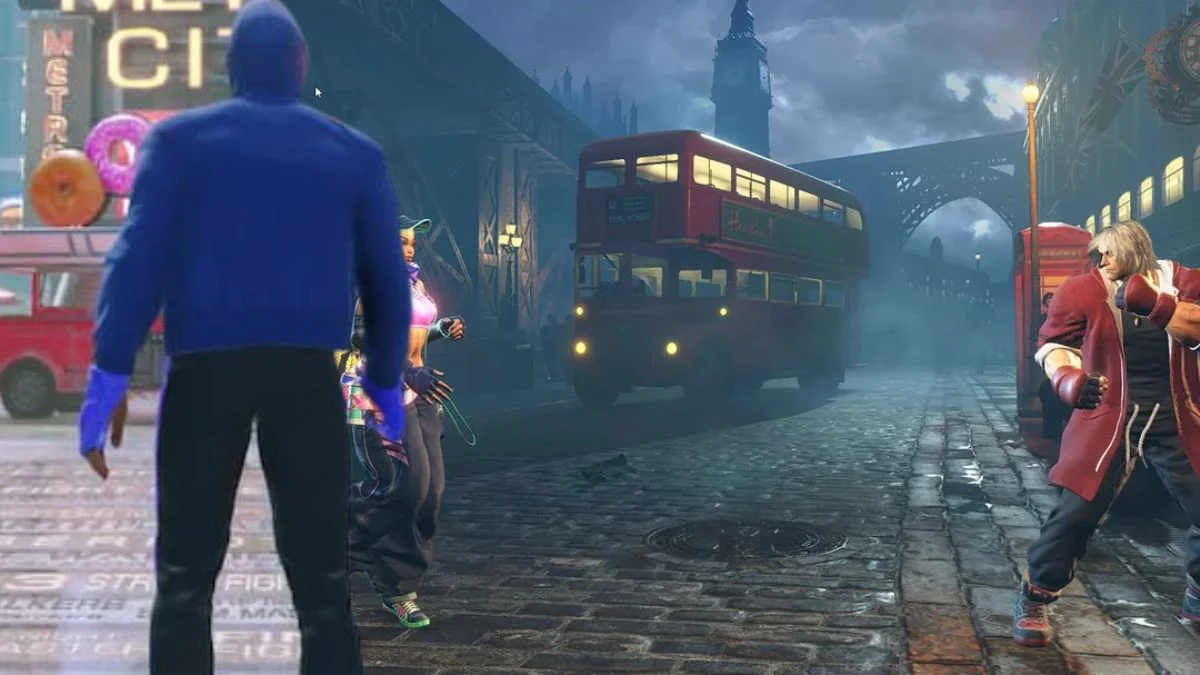


If you have spent time in ‘Street Fighter VI’, you have probably noticed how polished the game feels across its modes. Even so, a handful of small mistakes slip through the cracks and once you spot them they tend to stand out every time they appear. These are not game breaking issues, but they are the kinds of details that catch the eye and can be reproduced reliably.
Below is a roundup of ten noticeable slipups that show up in menus, stages, cinematics, or move interactions. For each one you will find where it happens, how to trigger or recognize it, and a simple workaround if there is one. The intent is to help you identify the issue quickly so you can understand what you are seeing rather than wonder whether your setup is acting up.
Subtitle Desyncs In ‘World Tour’ Conversations
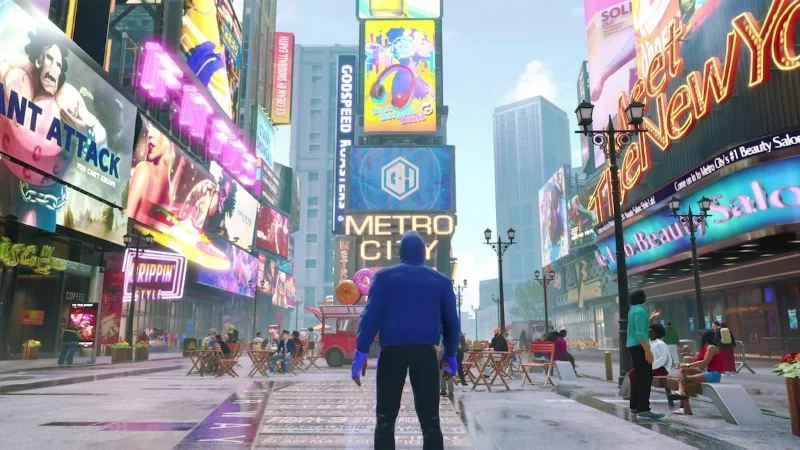
Players can encounter brief mismatches between spoken lines and on screen text in ‘World Tour’ during city side quests and mentor chats. The most common pattern is that a subtitle line appears a fraction of a second early or lingers after the voice line ends. This shows up more often when you switch the voice language while keeping the same text language.
You can check it by talking to NPCs in crowded districts, then toggling between different audio languages from the options menu without leaving the area. The mismatch resolves if you reload the scene or allow the next dialogue block to start. Saving and reentering the conversation usually resets the timing.
Character Select Colors Not Matching Match Intros
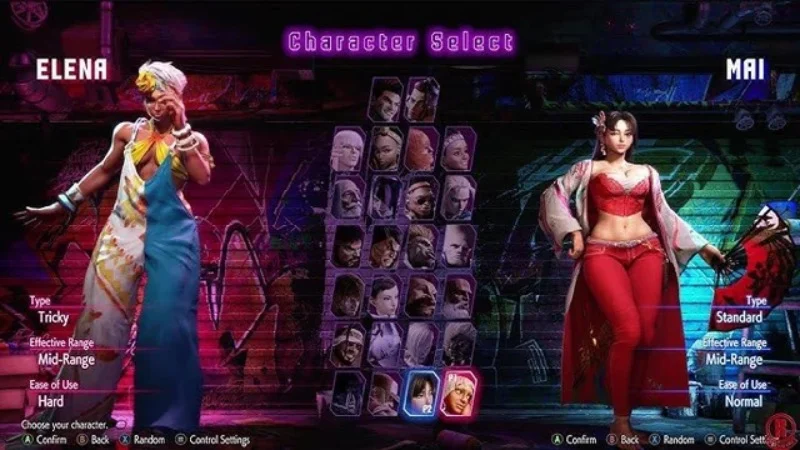
On the character select screen, certain color previews do not perfectly match how the outfit appears during the match introduction. This is easiest to notice with darker palettes and metallic accents where reflections and shading differ from the preview.
To see it, pick a character with glossy or layered gear and compare the color tile preview to the first two seconds of the intro. The in match lighting model updates the material properties, which makes the tone shift. Backing out and reentering the match does not change it, but switching to a different stage with a brighter skybox narrows the gap.
Camera Clipping On Corner Supers
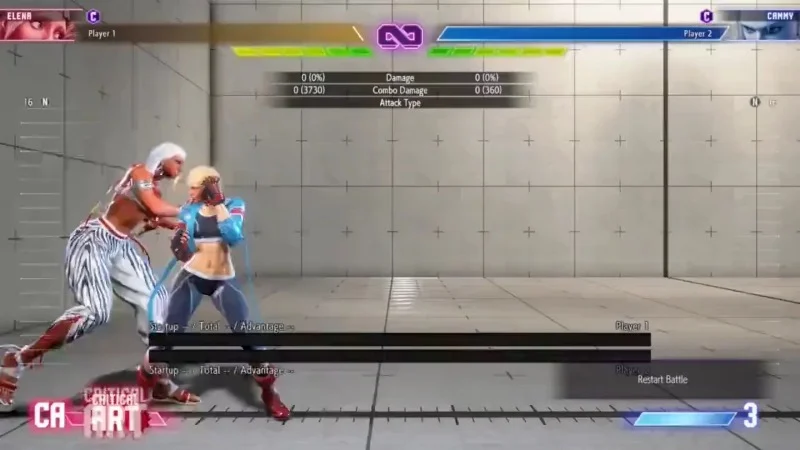
During supers that push both fighters toward a corner, the cinematic camera can clip slightly into the wall or ring barrier. The overlap is visible as a brief slice of geometry popping into frame. It occurs most often on stages with tall foreground props placed near the corner.
You can reproduce it by recording a corner setup in training, then running a super that drifts forward during the cut in. The clipping is cosmetic and does not affect spacing or damage. Moving the action a step away from the wall removes the overlap and the cinematic plays cleanly.
Hair And Cloth Physics Freezing For One Frame
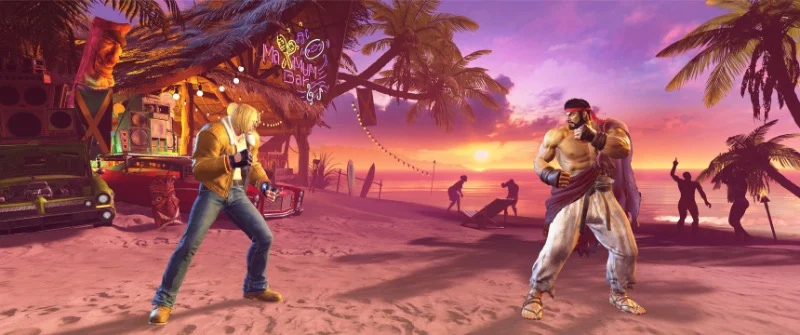
Fast transitions from neutral to a Drive Rush or reversal can cause hair strands or coat tails to hold their previous pose for a single frame. The effect reads like a tiny hitch before the physics catch up to the new speed.
Set the training dummy to perform a reversal action, trigger Drive Rush into a button, and review the recording frame by frame. The brief freeze does not change hurtboxes or timing. Toggling the performance mode and restarting the session clears the cache and reduces how often it appears.
Move List Entries Missing Follow Up Notes
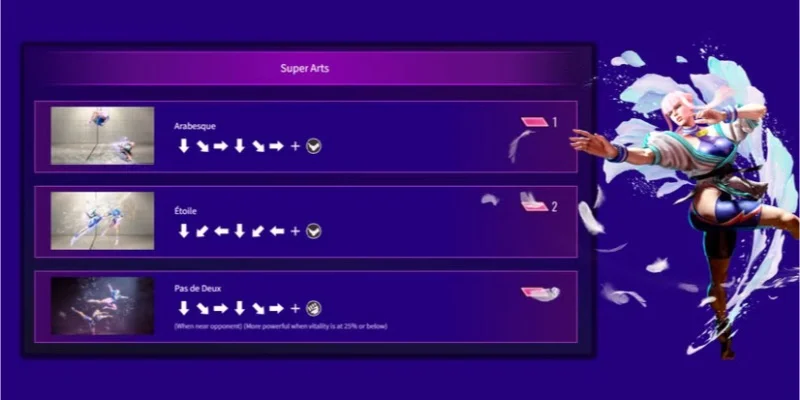
A few command list pages omit extra notes for strings that accept follow ups or stance transitions. The base inputs are present, but the help text that clarifies conditions such as counter hit only or Drive Rush only is not always listed on the initial tab.
Open the command list, select the move, and check the additional pages or hints that cycle with the same entry. In many cases the detailed behavior is explained on a secondary card or appears in the frame data panel. Pinning the move and testing it in the recording slot confirms the hidden requirements.
Training Frame Data Rounding Inconsistencies
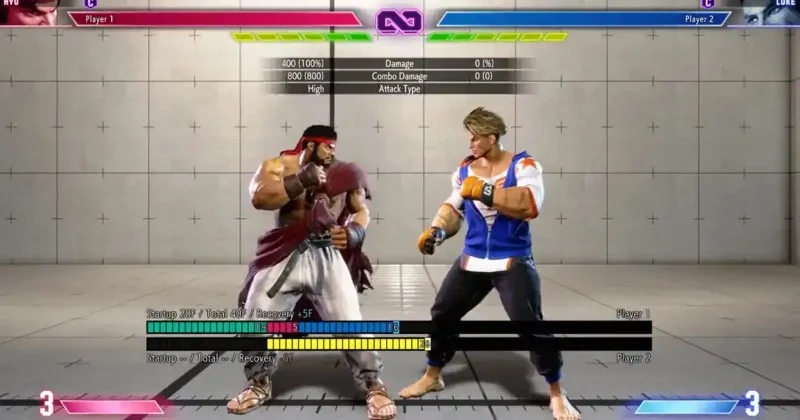
The frame data display in training mode rounds advantage values to whole numbers while certain recording readouts preserve the exact timing of cancels. This leads to cases where the on screen value says plus one but the interaction behaves like a slightly higher value because of internal precision.
To observe it, set a counter hit drill with meaty timing and compare the listed advantage to the practical link window. Recording the same sequence and stepping through the playback shows the offset. Using the input delay and wake up timing tools aligns the test so the numbers and the behavior match more closely.
Replay HUD Overlays Persisting After Skips
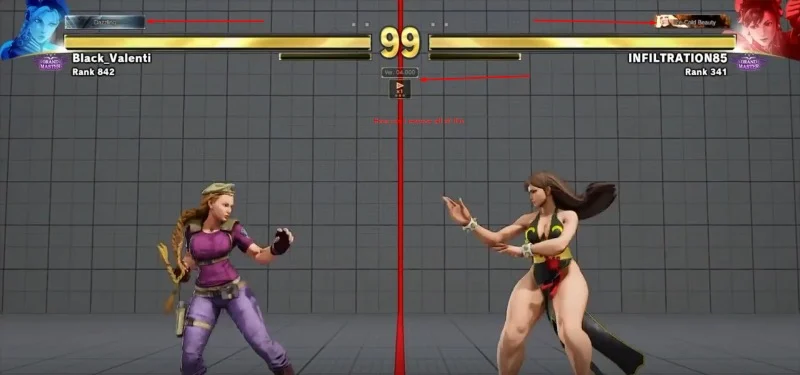
When you skip forward in a replay, the hit effect overlays or Drive gauge highlight sometimes persist for an extra beat on the new timeline position. The replay then corrects the display on the next interaction, which makes the brief persistence stand out.
Load any saved replay, jump ahead by several bars, and pause right as a Drive action activates. The overlay may remain until you unpause and advance one frame. Tapping play and pause once refreshes the HUD and clears the stuck element.
Stage Object Pop In At Round Start
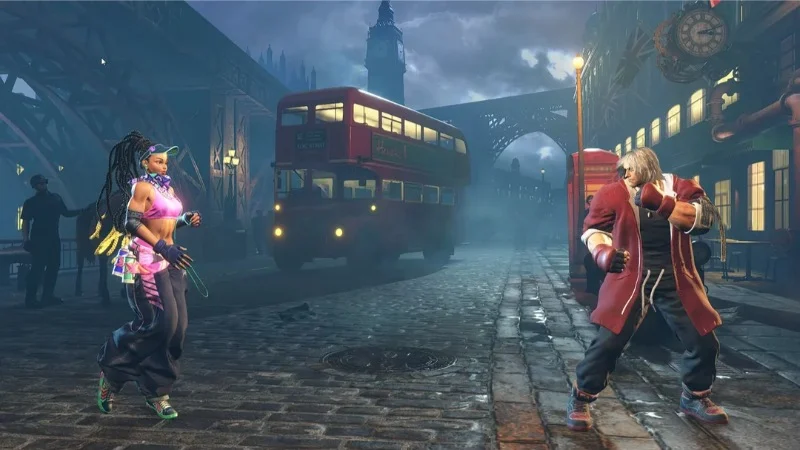
Certain stages load small background objects at the first frame of player control instead of during the final second of the round start cinematic. The result is a tiny pop in of distant props or signage that appears just as the timer becomes active.
You can see it by letting the opening play out, watching the horizon line, and noting the change exactly when the fight begins. Picking the same stage again can shift the timing and hide the pop. Turning off background NPC density lowers the number of props and reduces visibility of the effect.
Avatars Overlapping NPC Paths In ‘Battle Hub’
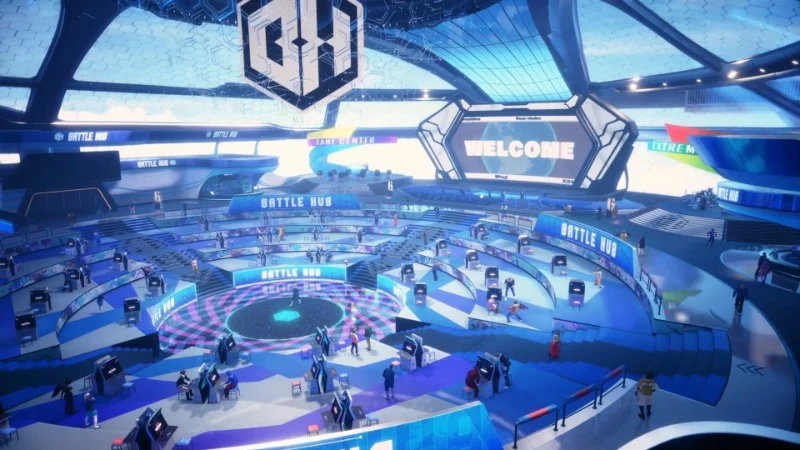
In the ‘Battle Hub’, NPC walkers sometimes follow a path that allows them to intersect with player avatars standing near queue boards. The overlap does not push players, but the visual intersection is easy to spot when the area is busy.
Stand near a cabinet queue, wait for a pedestrian NPC to loop through the walkway, and you will notice the pathing uses a fixed spline that ignores player positioning. Moving a step away from the center of the path or switching hubs avoids the overlap entirely.
Minor Localization Typos In Item Descriptions
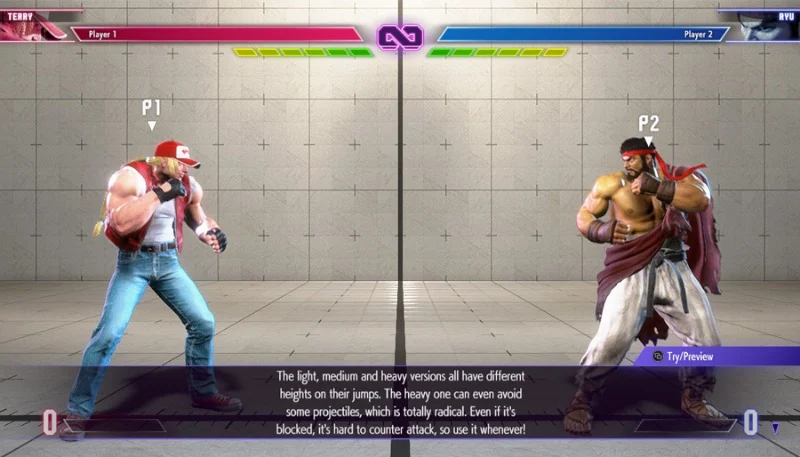
A handful of item and gear descriptions contain minor spelling inconsistencies across languages. The meaning remains clear, but the text differs slightly from the naming style used elsewhere in the same menu.
To verify, switch your text language, view the same item across two settings, and compare the description fields. Reporting the specific line through the feedback form helps align the copy in future updates. Keeping the text language matched to the voice setting prevents the mixed glossary feel across screens.
Share the other slipups you have noticed in ‘Street Fighter VI’ in the comments so everyone can compare notes.