Genesis Terminal Explained: How Valve Changed CS2 Skin Terminals

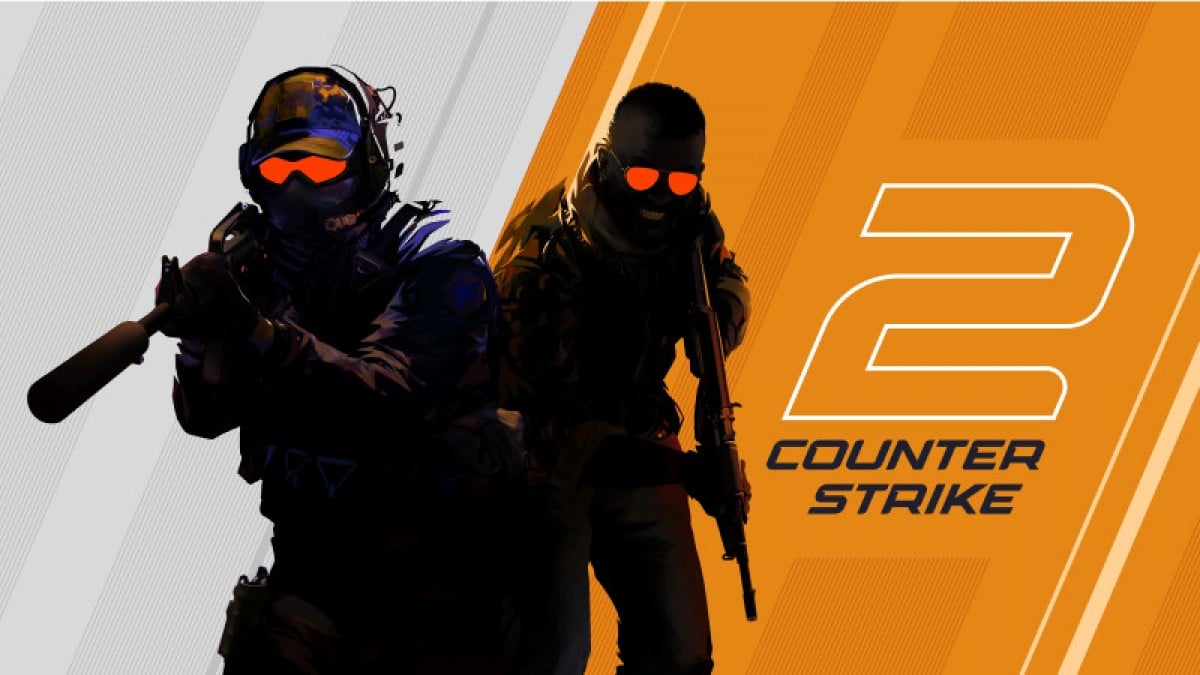

CS2 cases are fan favorites every single day, with hundreds, maybe thousands, of cases opened by players globally. Then Valve came up with a recent change that sent shockwaves through the community: Terminals. Naturally, this raised plenty of questions among players about what Terminals are and how they fit into the CS2 skin ecosystem. But hey, don’t rush. That’s exactly what we’ll explore in this guide as we take a closer look at the Genesis Uplink Terminal.
Disclaimer
This article is for general informational purposes only and does not constitute financial or investment advice. CS2 and Valve are trademarks of Valve Corporation; this content is not affiliated with, endorsed by, or sponsored by Valve.
What Are CS2 Terminals
Let’s start by understanding what Terminals are in general, and how they’re similar to, and different from, the case mechanics that have existed until now. This groundwork will make it much easier to see what makes CS:GO Genesis Terminal such a big deal.
Where Terminals Came From
Valve introduced the first terminal in September 2025. It came alongside the Genesis Collection. This marked a real shift from how containers worked before. Every earlier container followed the same case and key setup. Genesis broke that pattern in a simple way. Players could see the item before paying for it. About six months later, Dead Hand arrived in March 2026. This confirmed terminals weren’t just a one-time test.
How The System Operates
A terminal shows a few possible items up front. Each one comes with its own listed price. From there, the choice belongs entirely to the player. You can accept the offer and pay for it. Or you can pass and see the next option. There’s no key involved at any point. The whole idea is skipping the hidden reveal step.
Where Cases Still Fit In
Terminals haven’t replaced cases, at least not yet. They run as a separate system alongside them. Standard cases still sit in the weekly item pool. They still require keys, just like before. Terminals exist next to that system, not inside it. This gives players two different paths to items. One shows the result upfront, the other doesn’t.
The Genesis Uplink Terminal
Now let’s turn our attention specifically to the Genesis Uplink Terminal. We’ll look at what it is, what it offers, and what you can realistically expect from it once you get your hands on one.
What The Genesis Uplink Terminal Is
The Genesis Uplink Terminal launched in September 2025. It was Valve’s first terminal ever released. Players earn it through the weekly rewards system. It requires Prime status and 5,000 weekly XP. Once opened, it shows five sequential offers. Each offer comes from the Genesis Collection. Every offer stays available for three days. Decline all five and the terminal disappears.
How It Differs from Dead Hand
Genesis has no gloves in its pool at all. Dead Hand added 22 new glove finishes. This makes Dead Hand the larger collection overall. Genesis also lacks any special item slot. Dead Hand includes one, similar to knives in cases. That gives Dead Hand a wider range of possible outcomes. Genesis focused purely on weapon skin variety instead.
What Items It Contains
Genesis holds 17 community designed weapon skins spread across the usual rarity tiers. The AK-47 The Oligarch and AWP Ice Coaled are two of the more recognized names from the set, alongside the Glock-18 Mirror Mosaic and MP7 Smoking Kills. Pricing inside the terminal updates dynamically with each offer rather than staying fixed. Early listings after launch reportedly ranged widely, with some StatTrak pieces briefly touching $1,500 before settling closer to normal market levels.
Guidance for Using Terminals
Case outcomes have always been unpredictable, and Terminals work differently by design. Still, players naturally want to know if there is a smarter way to approach Terminals and get more value from each attempt. In other words, is there any approach that can help you aim for better value items, the way players tried with case openings? Let’s take a closer look.
Compare Before You Accept
Before accepting any offer, check the same item’s price on the open market first. Terminal prices are set by Valve’s own system rather than pure supply and demand, so they don’t always match what a skin actually sells for elsewhere. If the offer price sits close to or above market value, it’s usually smarter to pass and wait for a better one. This quick check takes a minute but can save you from paying more than the item is actually worth. Prices on newer collections tend to be less predictable early on, so this check matters even more right after a release.
Know When to Pass
Passing on an offer costs nothing, so there’s little reason to accept the first thing shown if it doesn’t match what you’re after. Each terminal only gives a handful of offers before it’s used up, so it helps to have a rough idea beforehand of what you’d actually want, rather than deciding in the moment. Passing also resets the offer pool for that slot, meaning a skin you declined can still reappear later through a different terminal.
Watch Launch Week Pricing
Prices for freshly released terminal collections tend to run higher in the first few days, then settle down as trading activity increases and the market catches up. If you’re not chasing a specific item immediately, waiting a week or two after a new terminal launches can mean noticeably better prices for the same skins. This is especially worth remembering with hyped releases, where early excitement often inflates prices temporarily. Special items like gloves or knives usually take the longest to stabilize, since early demand for those stays high well after regular skins level off.
Conclusion
In this article, we explored Terminals in CS2 and took a closer look at the Genesis Uplink Terminal specifically. There is still plenty to learn about this new addition, so we hope this guide gave you a clearer picture of what to expect.